
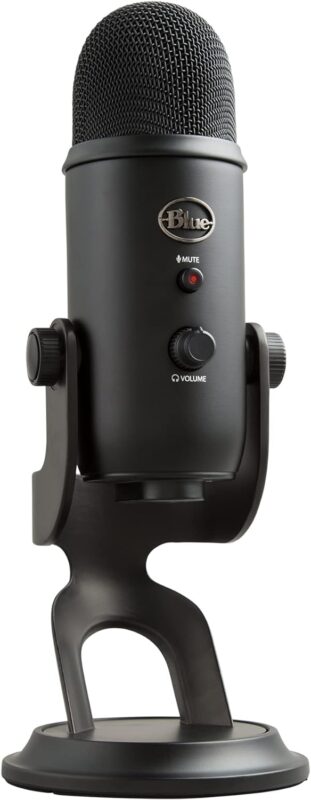
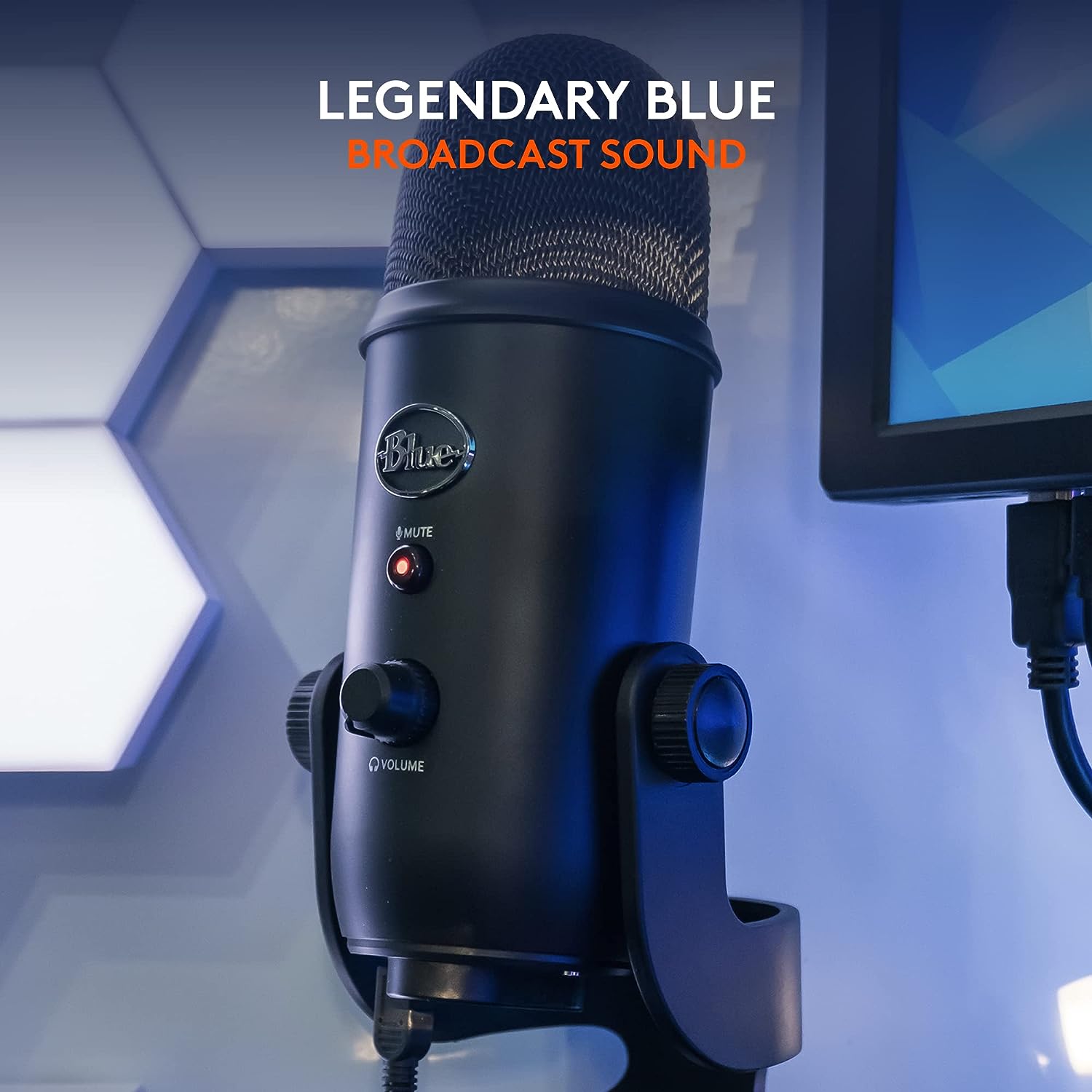
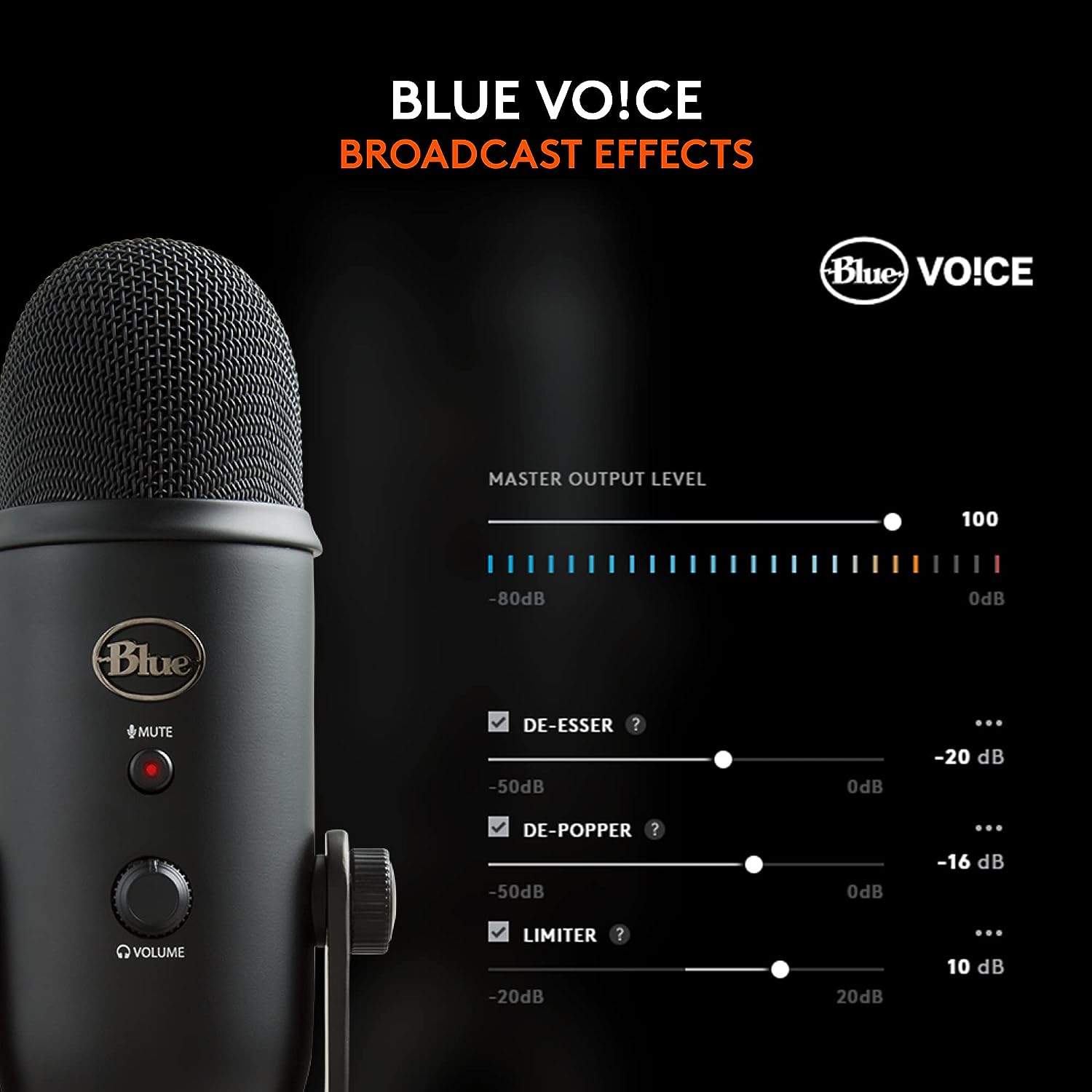
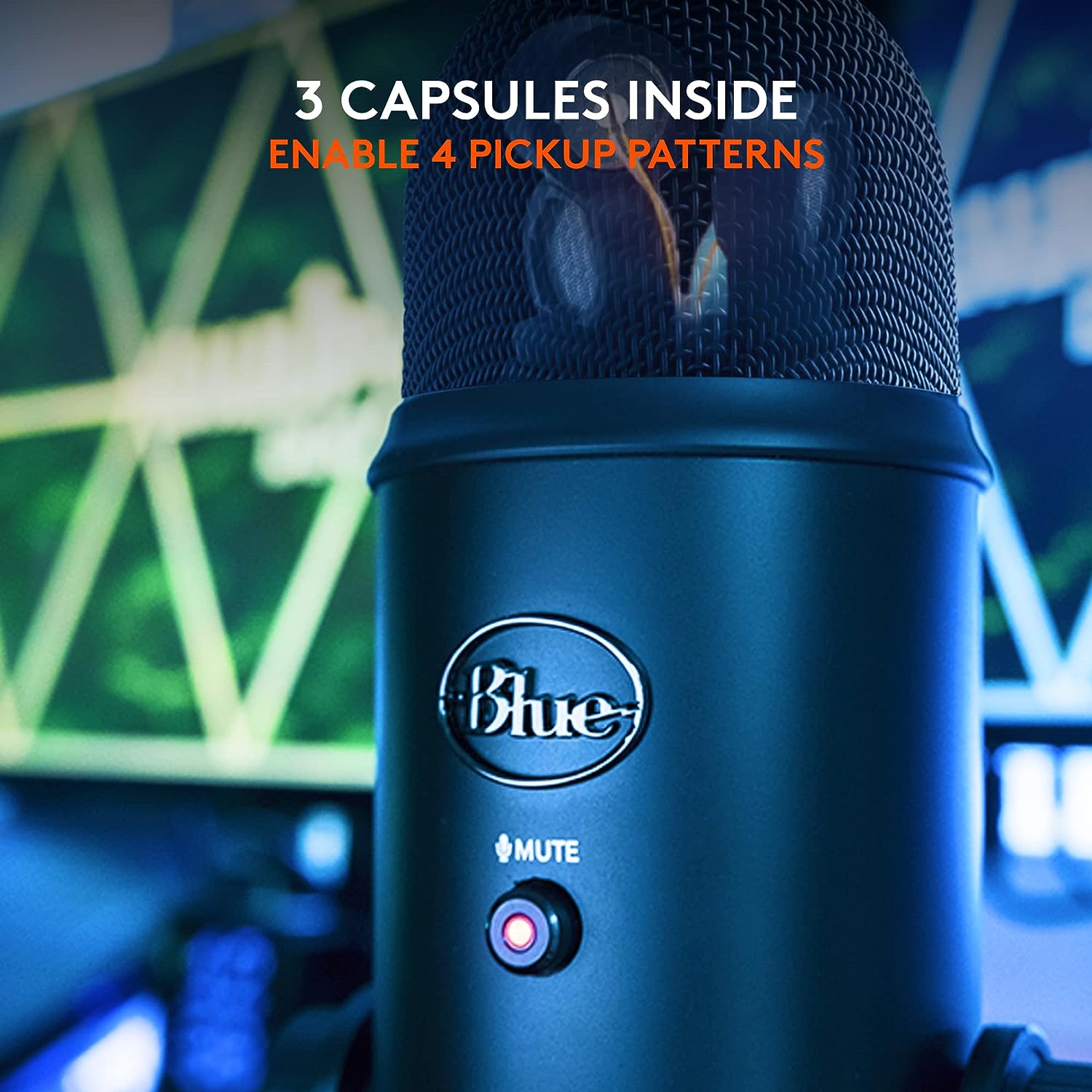

Blue Yeti USB Microphone – Blackout is the kind of USB desk mic I’d put on a shortlist for a computer-first creator setup. On paper, the appeal is straightforward: Logitech for Creators gives you a Blackout-finished Blue Yeti with USB connectivity, an included stand, a USB cable, and instructions, so the basic recording chain stays simple. The spec that matters most to me is the multipattern polar pattern, because that makes the mic more adaptable than a fixed single-pattern USB microphone.
Why I’d Consider It for a PC Desk
My read of this model is that it belongs on a personal computer desk, not in a traditional studio rack. The connector type is USB, so I’d think of it as a direct-to-computer microphone for podcasting, streaming, calls, narration, voice notes, and general content work. If someone wants to avoid buying an external audio interface or dealing with an XLR-style setup, this is exactly the kind of format I’d point them toward.
The included stand is also important. I like seeing a desktop mic that arrives with the basic hardware needed to position it without an immediate extra purchase. That said, at 3.5 pounds, I would not treat the Blue Yeti as a small travel microphone. The weight suggests a more settled desk position, where the mic can sit on a stable surface and stay there. Headphone compatibility also fits the creator-desk use case, since I’d normally want headphones involved to reduce speaker spill during recording or calls.
What the Multipattern Design Buys You
The multipattern polar pattern is the feature I’d pay attention to before choosing this over a simpler USB mic. If I were recording one voice at a desk, I’d want a more focused pickup approach. If the job involved more than one speaker around a table, I’d value having a pattern option that suits that arrangement better.
I would not, however, treat multipattern recording as a cure-all. Pattern choice still depends on placement, speaking distance, and the room. A wider pickup setting may be useful for a shared conversation, but it can also invite more room sound and background noise into the recording.
Where I’d Be Careful Before Buying
The biggest limitation is also the main convenience: this is a USB microphone. I’d skip it if the rest of the setup is built around mixers, field recorders, or audio interfaces that expect a different kind of microphone connection. I’d also hesitate if portability is a priority, because the listed 3.5-pound weight makes more sense for a desk than a bag.
I’d also think twice in a noisy room or on a desk that gets bumped often. A desktop stand is convenient, but table movement, keyboard taps, and room reflections can still become part of the recording environment.
Who I’d Point Toward the Blue Yeti
I’d recommend looking at the Blue Yeti USB Microphone – Blackout if you want a simple USB mic for a personal computer and you value pattern flexibility. I’d skip it for an XLR-centered setup, frequent travel, or a noisy workspace. For a PC-based creator desk, though, its USB connection, included stand, headphone compatibility, and multipattern design make the spec sheet easy to understand and easy to justify.
Reviews
There are no reviews yet.