
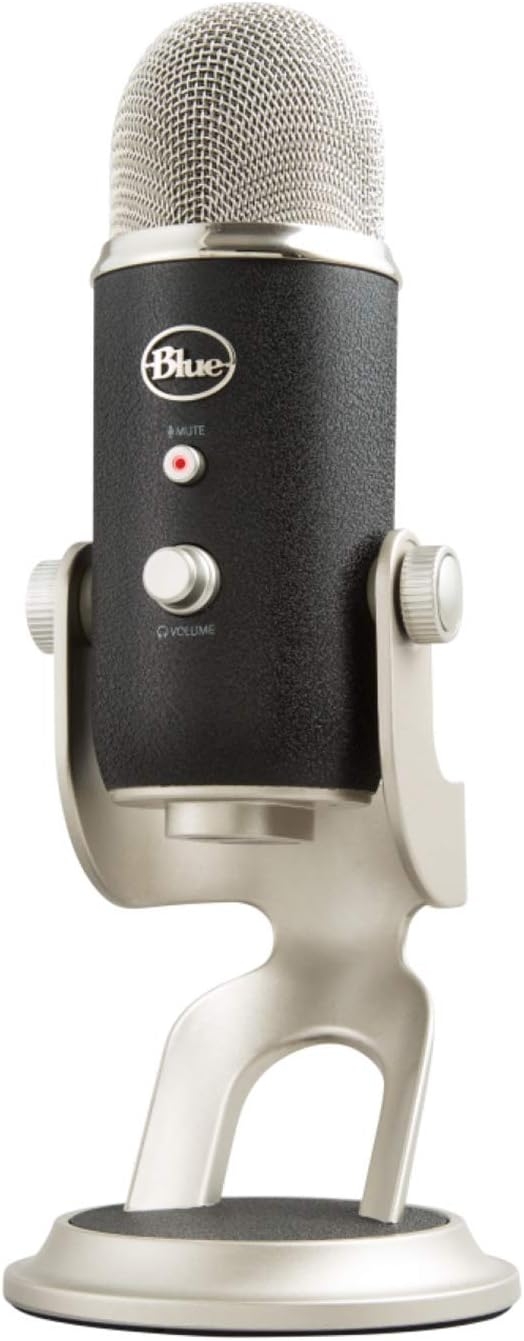
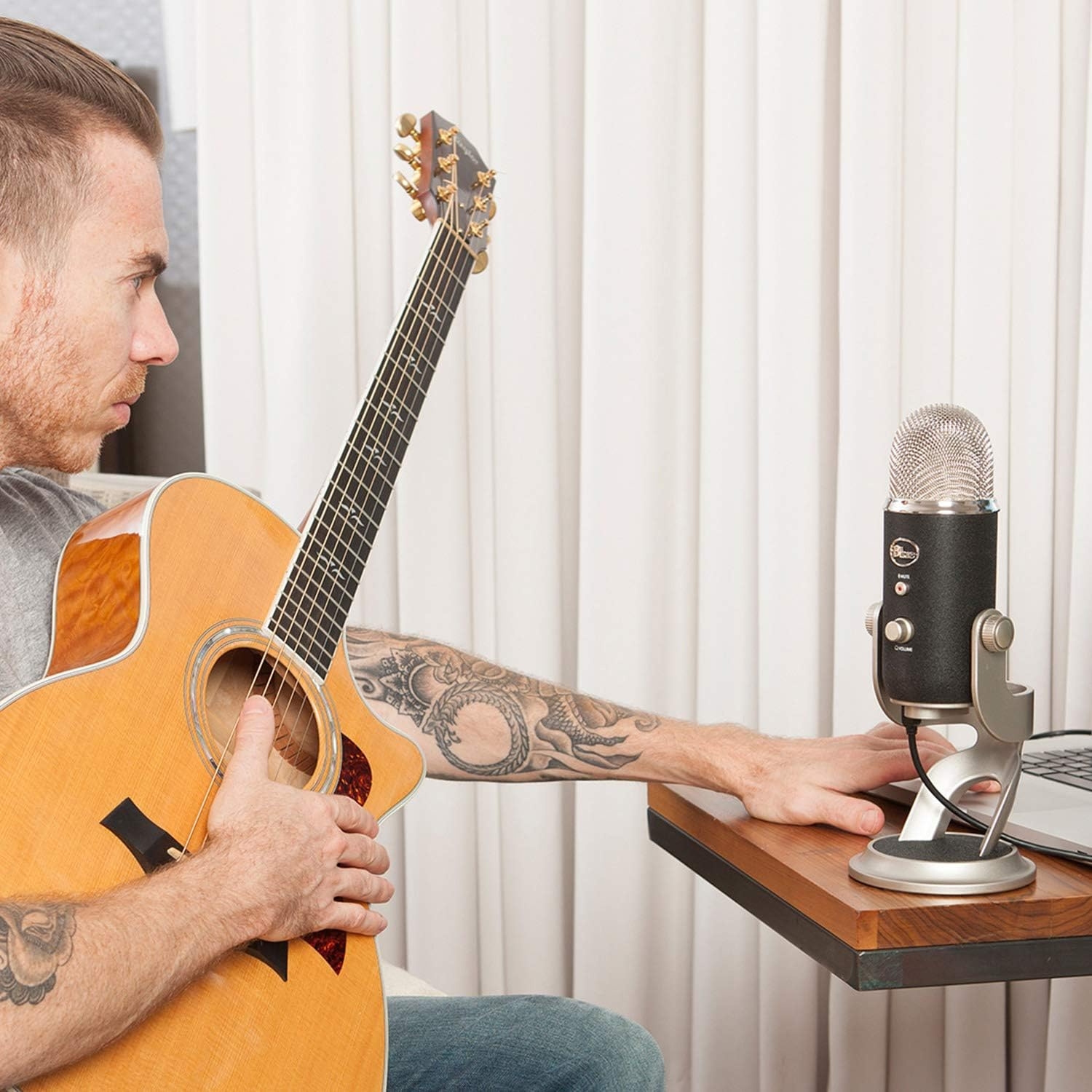
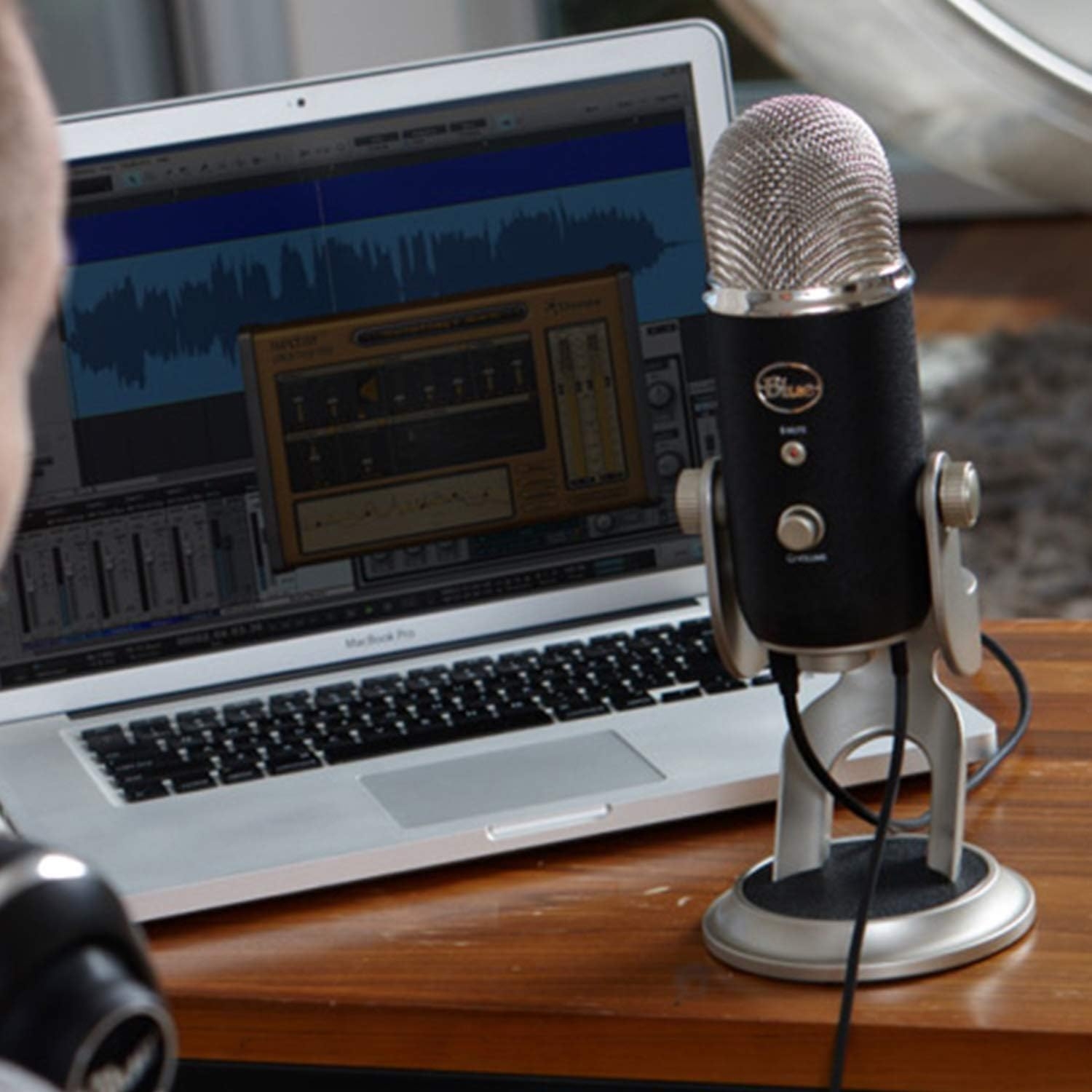
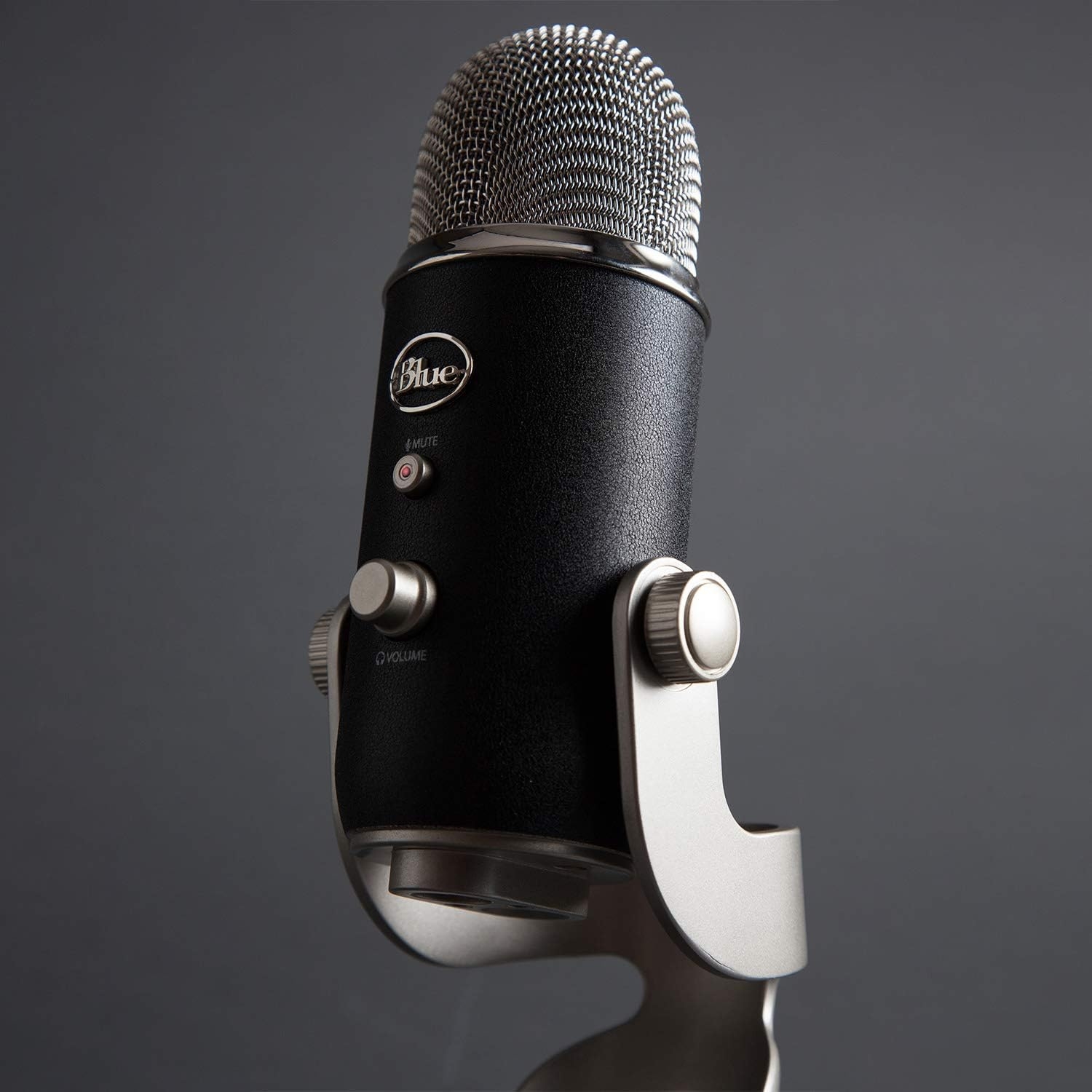

I read the Blue 1967 Yeti Pro Mic as a desk-first recording microphone, not a travel accessory or a handheld stage mic. It is listed in silver, with product dimensions of 5.98 x 5.98 x 12.01 inches, so I would plan space for it beside a monitor, keyboard, headphones, and recording software. The model number is 988-000092, and the real reason I would look at this mic is simple: it offers both USB and XLR connection options for Mac/PC use.
Why the USB and XLR Setup Matters
My read of these specs is that the USB side is the convenience play. If I wanted a cleaner desk setup for podcasting, narration, voice chat, streaming, or basic demo recording, USB would let me connect directly to a personal computer without building a larger recording chain first.
The XLR connector is the growth path. I would care about that if I already had, or planned to add, an amplifier, mixer, recorder, or audio interface with the right input and gain control. XLR does not make a mic automatically better by itself, but it does give the setup more room to expand than a USB-only microphone.
- Computer platform: Mac/PC
- Connector types: USB and XLR
- Hardware interface: USB
- Power source: corded electric
- Compatible devices: personal computer, amplifier, and headphones
- Color screen: no
- Manufacturer: Logitech for Creators
What I Would Check Before Ordering
I would not buy a desktop USB/XLR mic expecting it to fix a poor room on its own. The mic choice is only part of the result. Desk vibration, keyboard noise, reflective walls, distance from the capsule, and gain settings can all matter. I would budget attention for placement, a stable stand, possible shock isolation, and a pop filter if voice recording is the goal.
The honest limitation here is that dual connection types add flexibility, but also add decisions. USB is the simpler route. XLR asks for the right supporting hardware. If I were buying at this level, I would be clear about which mode I planned to use most often before ordering.
Who I Think Should Skip the Blue 1967 Yeti Pro
I would skip this if I needed a pocket-sized travel mic, a headset mic, or a simple handheld microphone for stage-style use. I would also look elsewhere if I wanted a built-in color display or the smallest possible mic for basic calls. For someone who only needs casual voice chat, a simpler USB mic may be easier to live with.
For a desk-based Mac or PC setup, though, the Blue 1967 Yeti Pro makes the most sense to me as a bridge product: easy enough to start over USB, but not boxed in if the recording setup later moves toward XLR hardware.
Reviews
There are no reviews yet.