
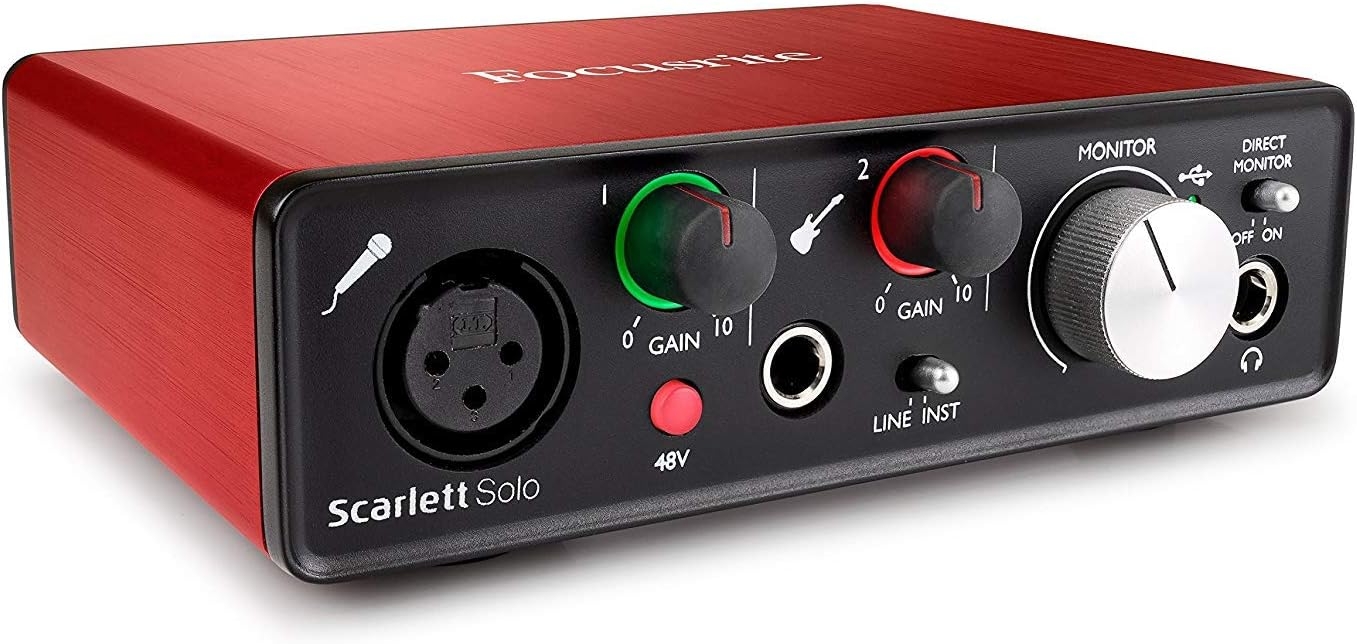
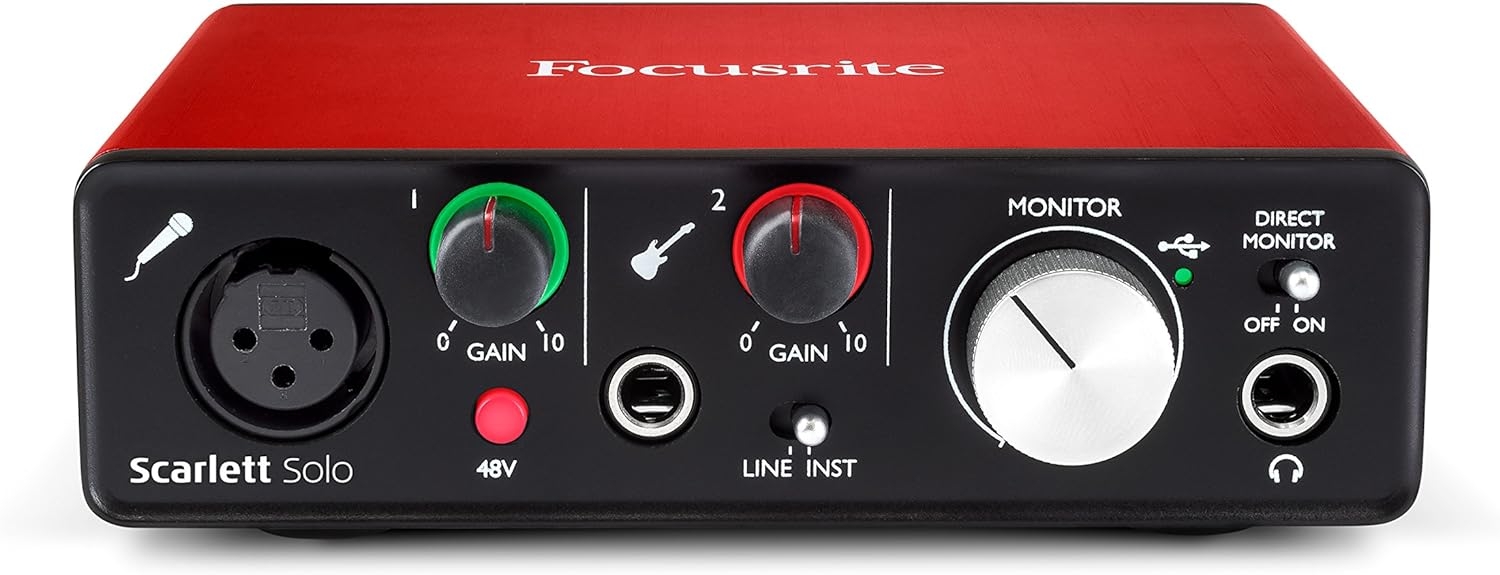
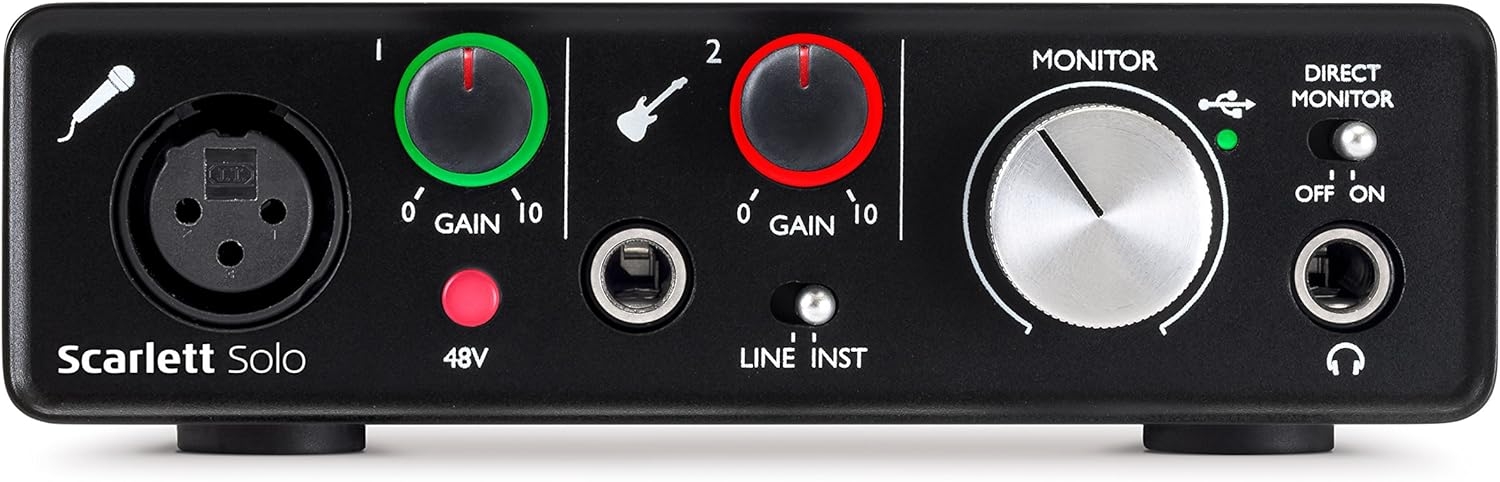
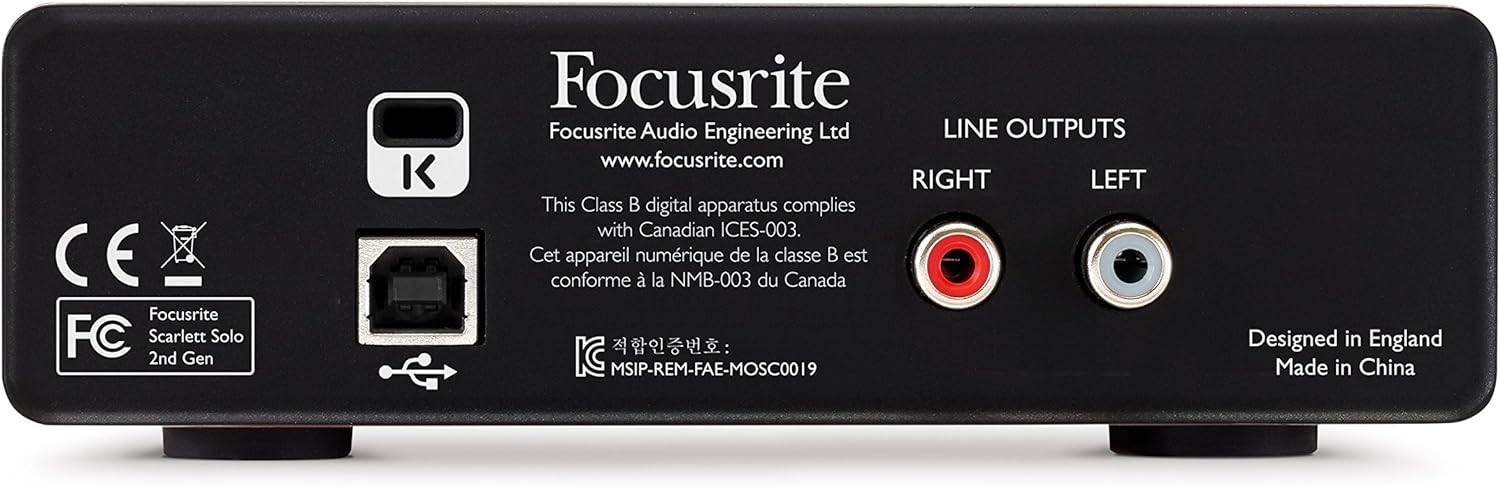

My read of the Focusrite Scarlett Solo (2nd Gen) is simple: this is a compact USB 2.0 interface for someone who wants to get one XLR microphone into a Windows personal computer without building a larger studio around it. The recorded specs point to a very focused box: model AMS-SCARLETT-SOLO-2ND-GEN, “Solo – 1 Mic pre,” USB and XLR connectivity, and a small body measuring 1.77 x 5.71 x 4.41 inches at 15.8 ounces.
Why I’d consider the Scarlett Solo for one-mic recording
If I were setting up a basic desktop recording chain around a single XLR microphone, this format would make sense to me. An XLR mic needs an interface before it can feed a computer properly, and the Scarlett Solo is clearly aimed at that job rather than at complex routing or multi-person sessions.
I’d look at it for voice-over, podcast narration, vocal demos, online teaching, or a small writing desk where the computer is the center of the setup. The USB 2.0 hardware interface keeps the chain straightforward: microphone into the interface, interface into the personal computer. That is the appeal here.
The software bundle is part of the starter-studio argument
The included software support matters because this kind of interface is often bought by someone building a first recording setup. The recorded bundle includes First Focusrite Creative Pack and Ableton Live Lite, Softube Time and Tone Bundle, and Focusrite’s Red Plug-in Suite. I would not buy an interface only for bundled software, but I do think that list strengthens the case for a beginner who wants recording and processing tools available from day one.
Where I think the Solo format becomes too small
The honest limitation is right in the name: Solo. A single mic-pre design is not what I’d choose for recording several microphones at once. I’d skip this if the plan includes a multi-person podcast, drum recording, stereo mic setups, full-band tracking, or any workflow where more than one XLR microphone needs to be captured at the same time.
I’d also avoid treating it like a standalone recorder. Based on the recorded compatibility, this belongs in a computer-based setup, specifically with a Windows personal computer over USB 2.0. If the computer is not central to your workflow, I’d look elsewhere.
Who I’d recommend the AMS-SCARLETT-SOLO-2ND-GEN to
I’d recommend the Focusrite Scarlett Solo (2nd Gen) to a creator who mainly records one XLR microphone at a time and wants a small, focused interface from Focusrite with starter software included. I would not recommend it as the hub for a growing multi-mic studio. If expansion is already part of the plan, I’d start with a larger interface instead of outgrowing this one quickly.
Reviews
There are no reviews yet.