
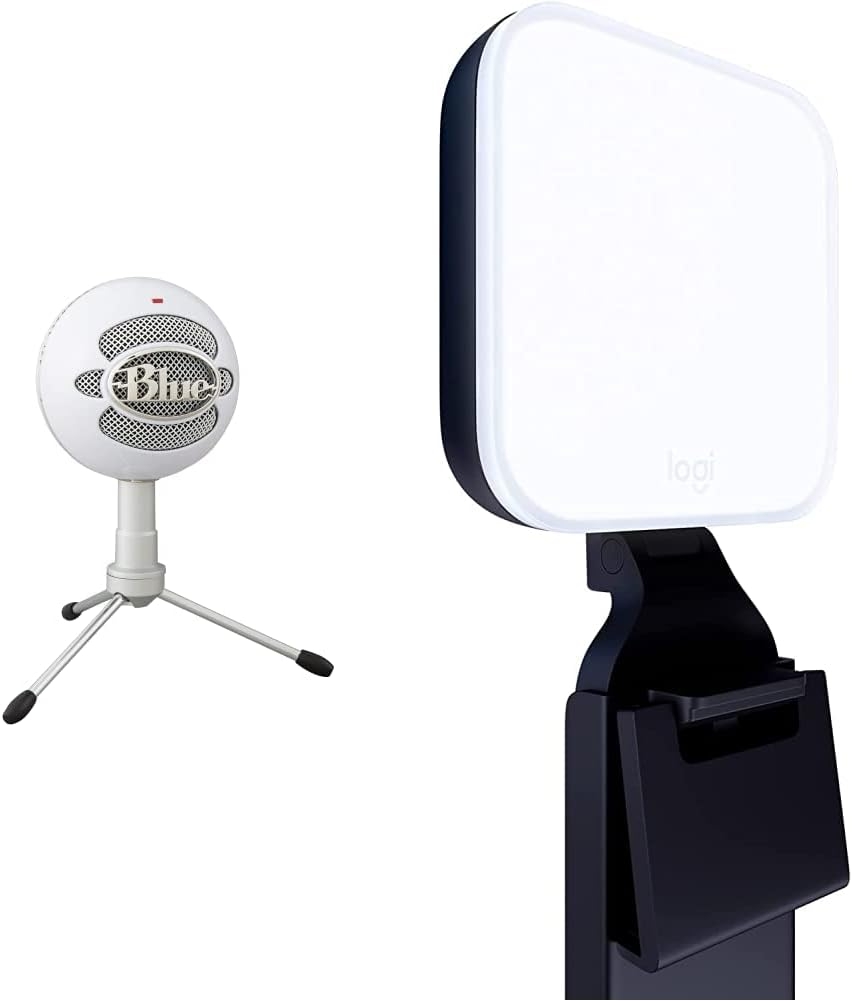
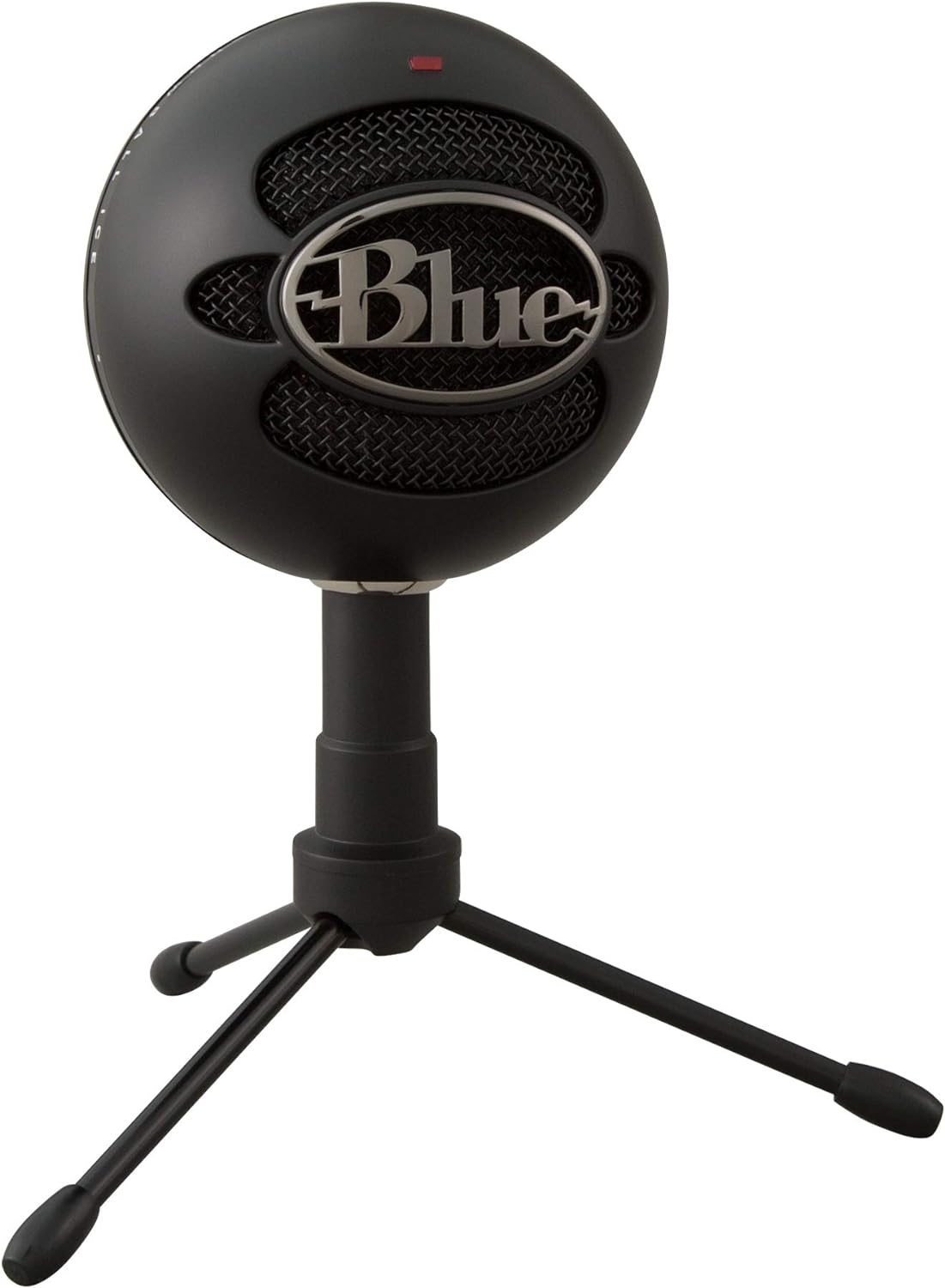

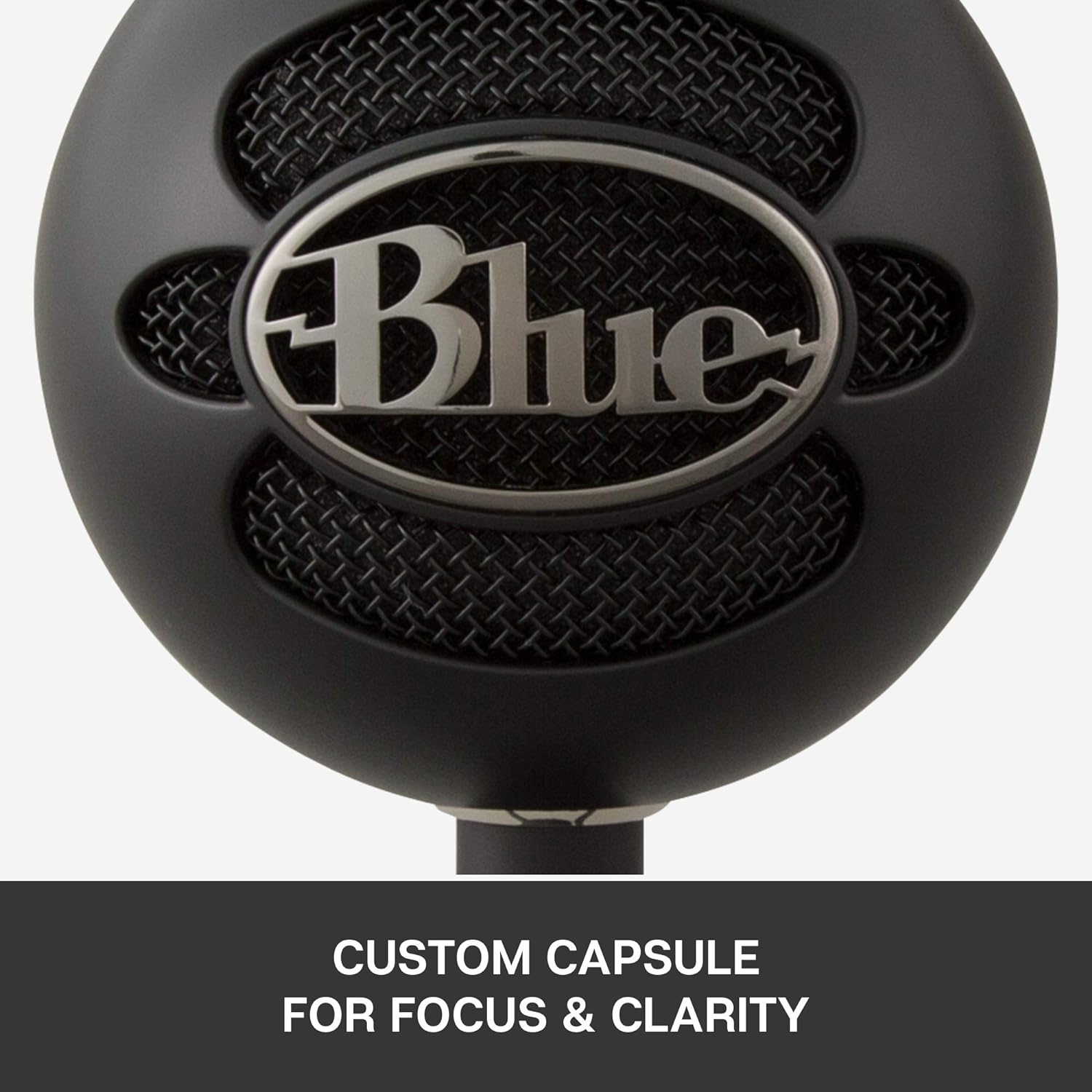
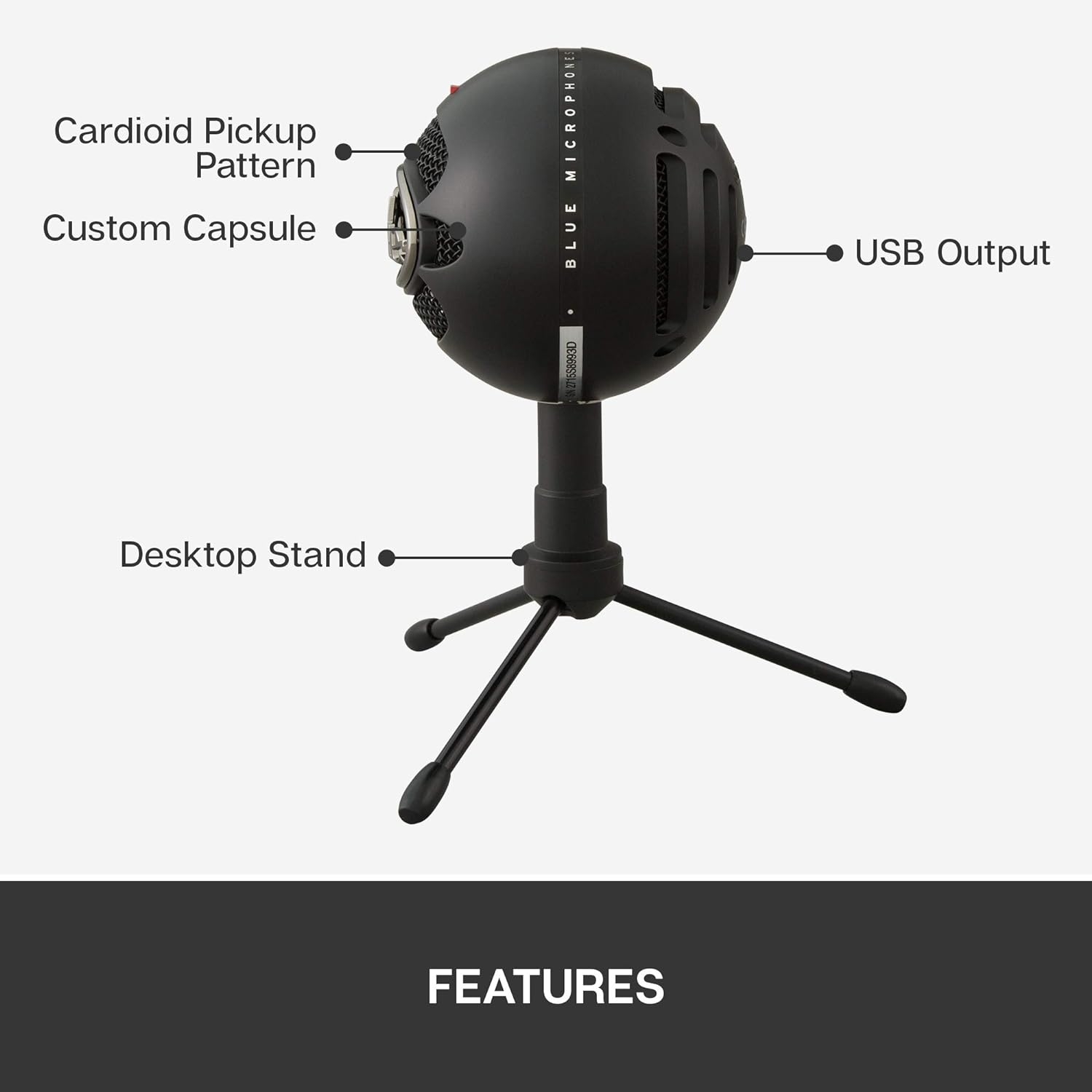
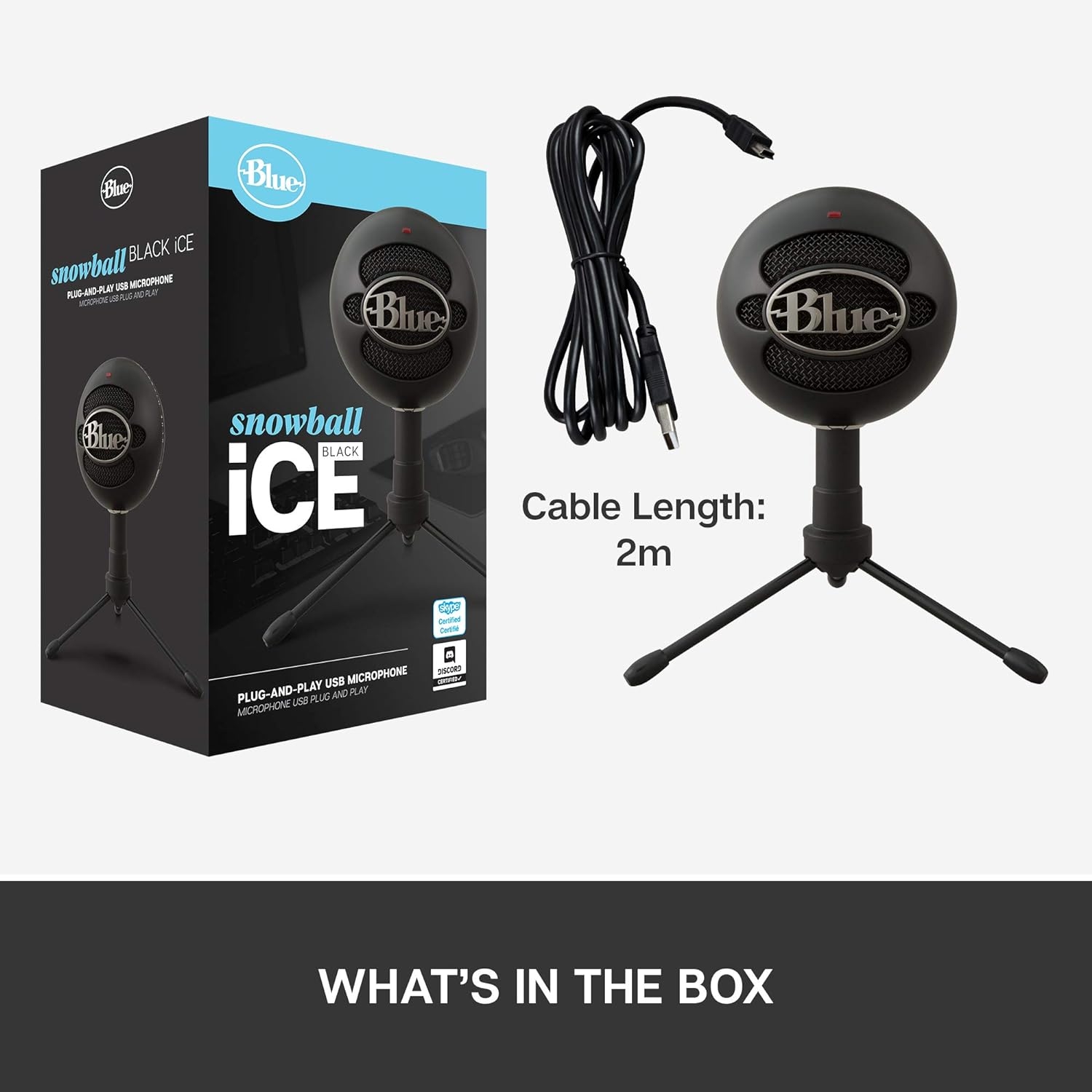
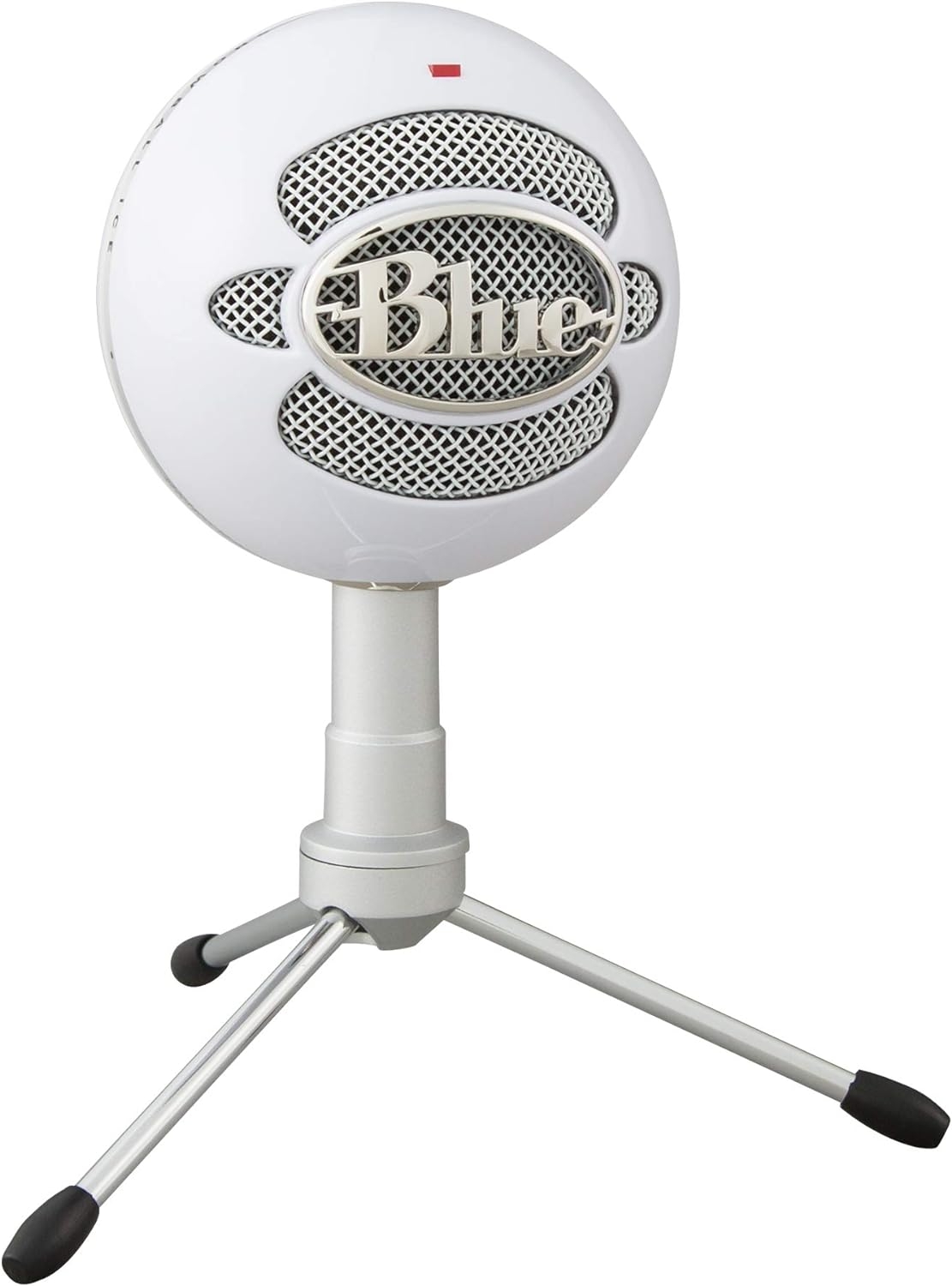
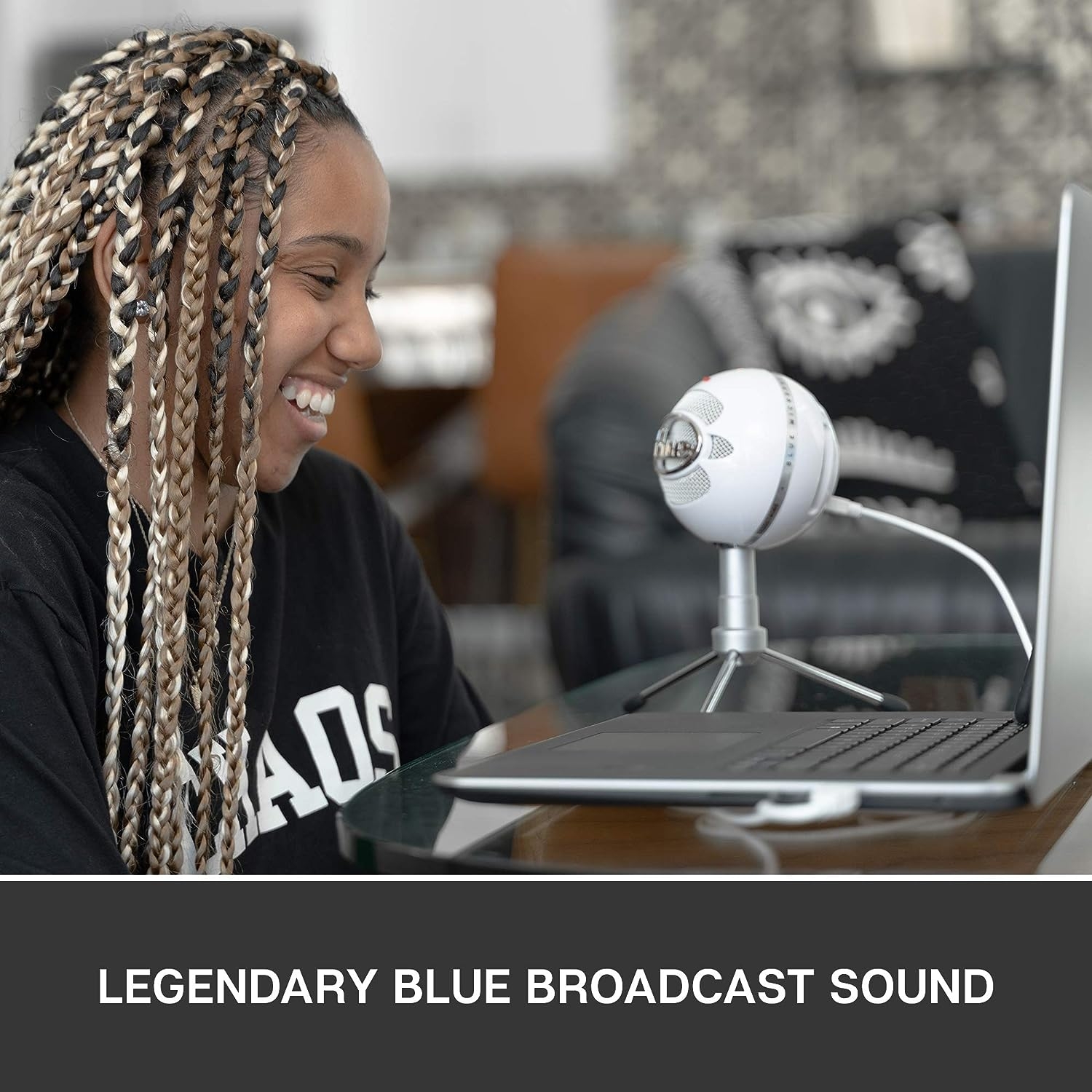
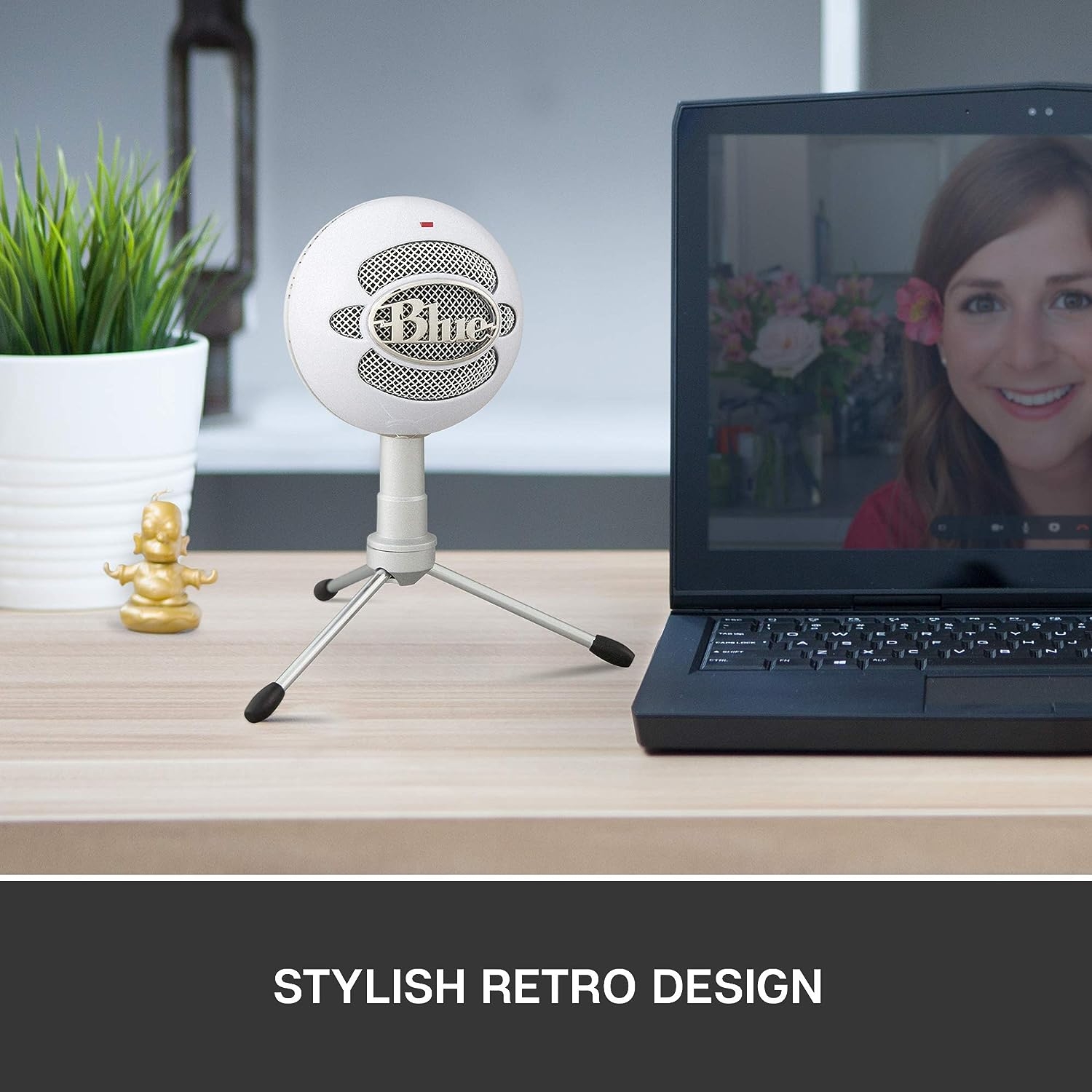
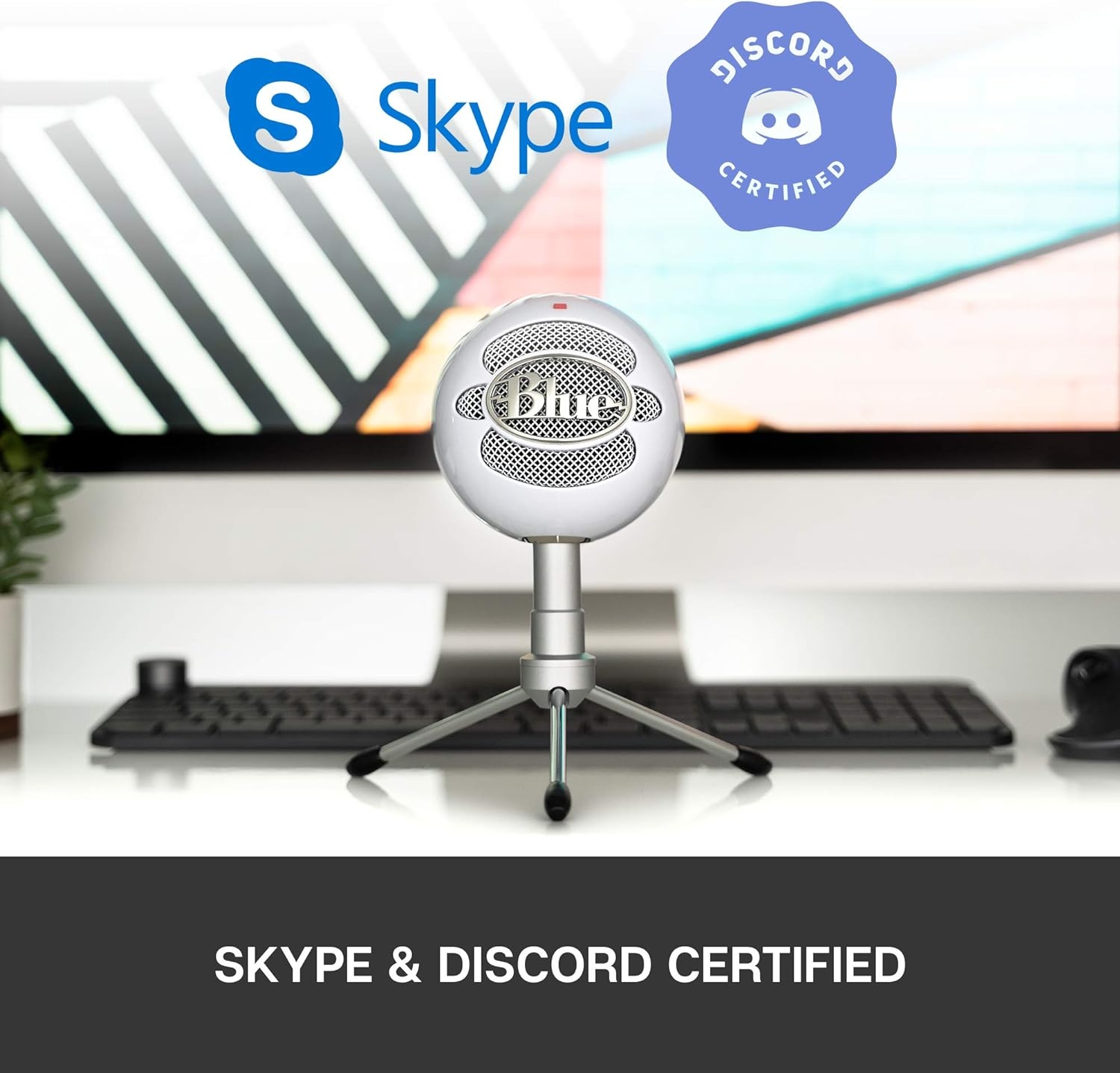
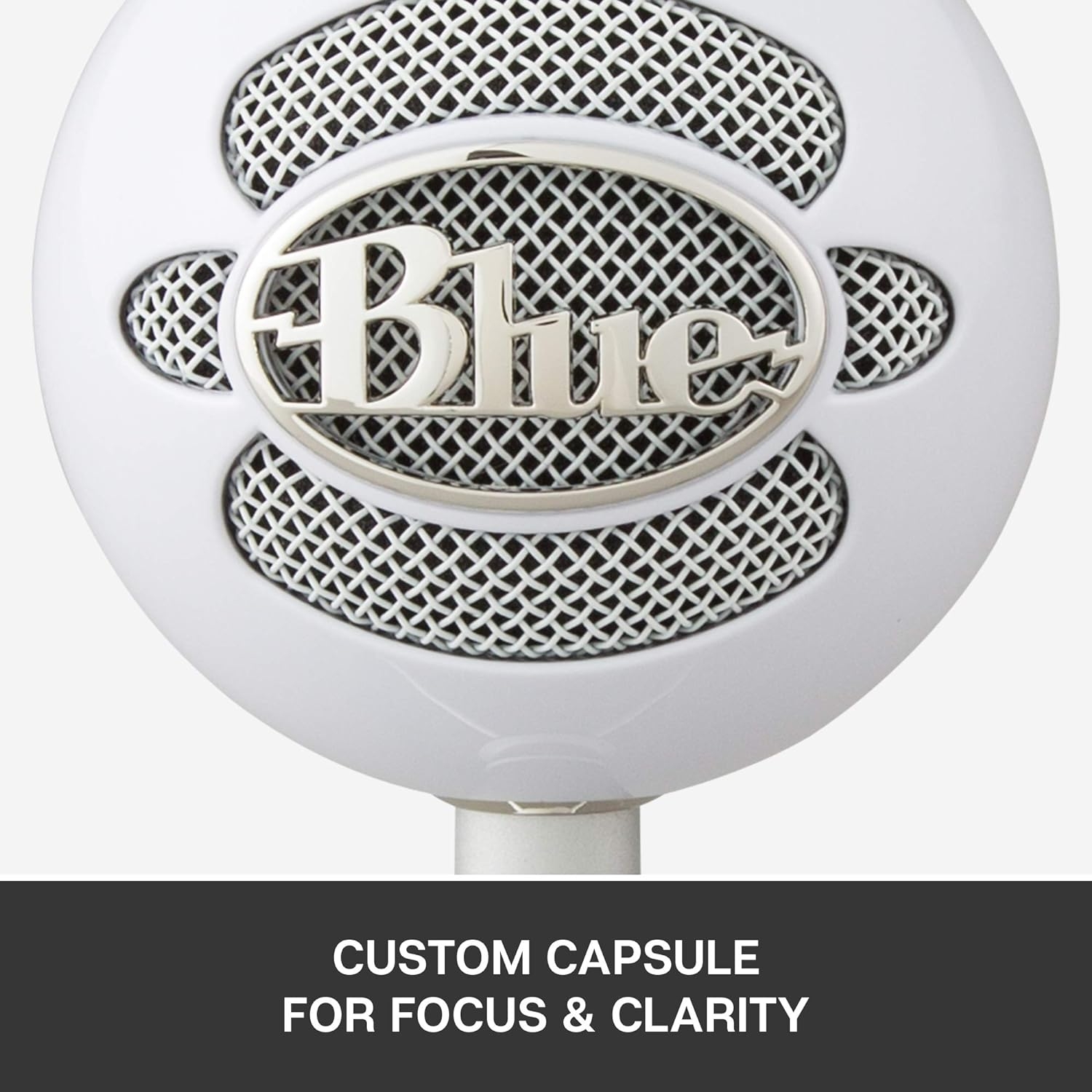
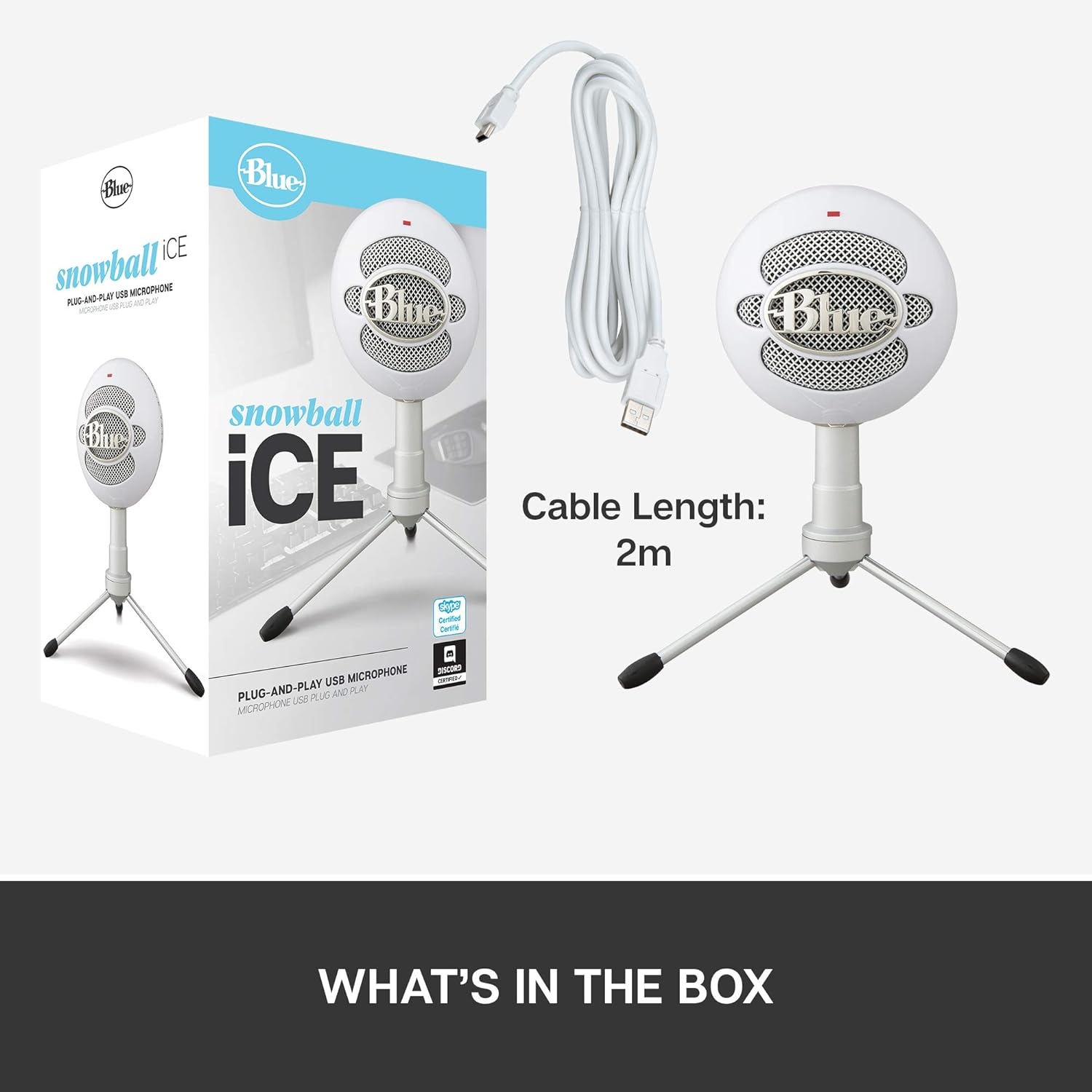
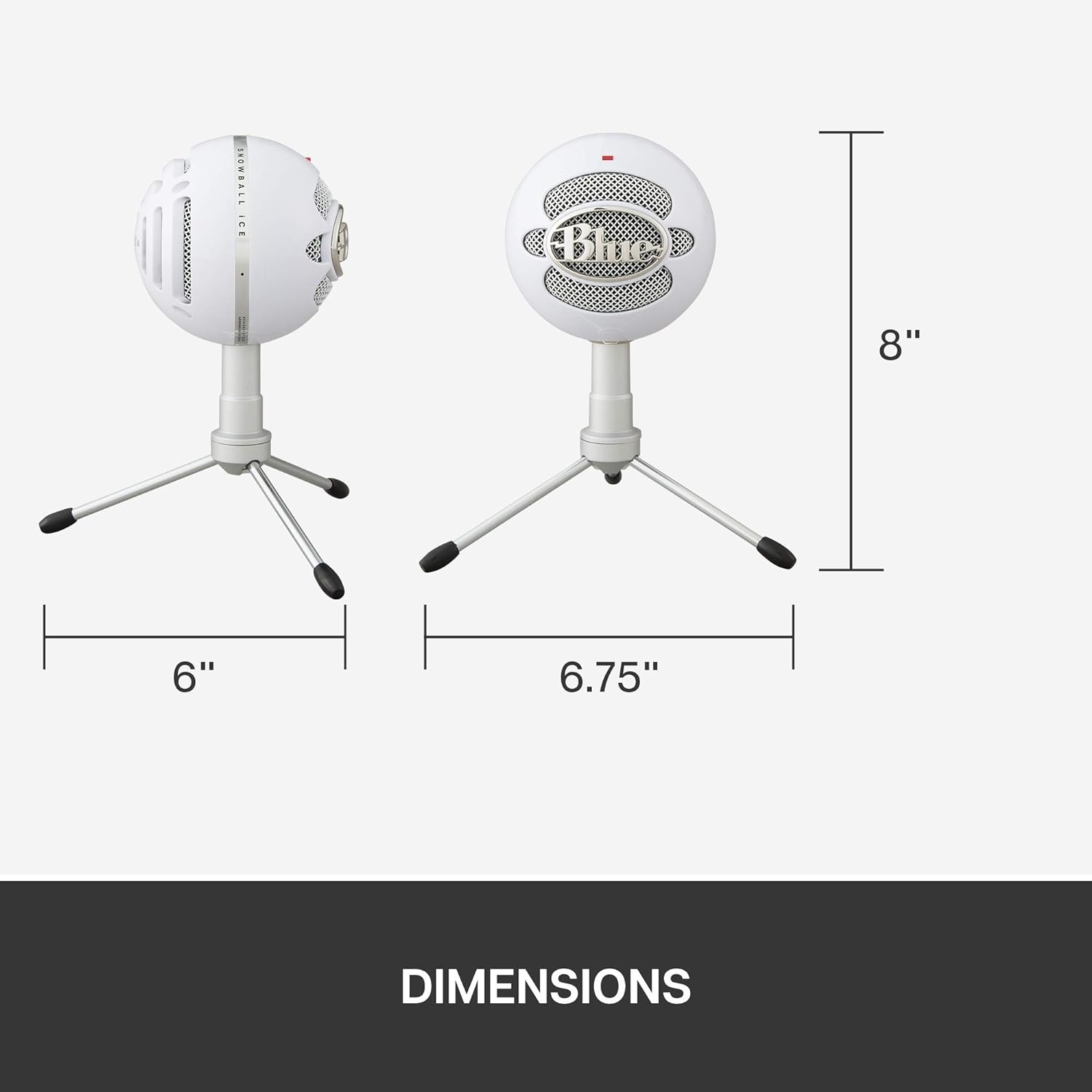

My read of the Logitech for Creators BlueSnowball iCE Microphone is simple: this is a black, unidirectional USB desk mic aimed at solo voice work on a personal computer. The appeal is not expandability or studio routing. It is the fact that the core pieces are in the box: the Snowball iCE USB mic, adjustable stand, USB cable, and user guide.
A direct USB mic for one speaker at a desk
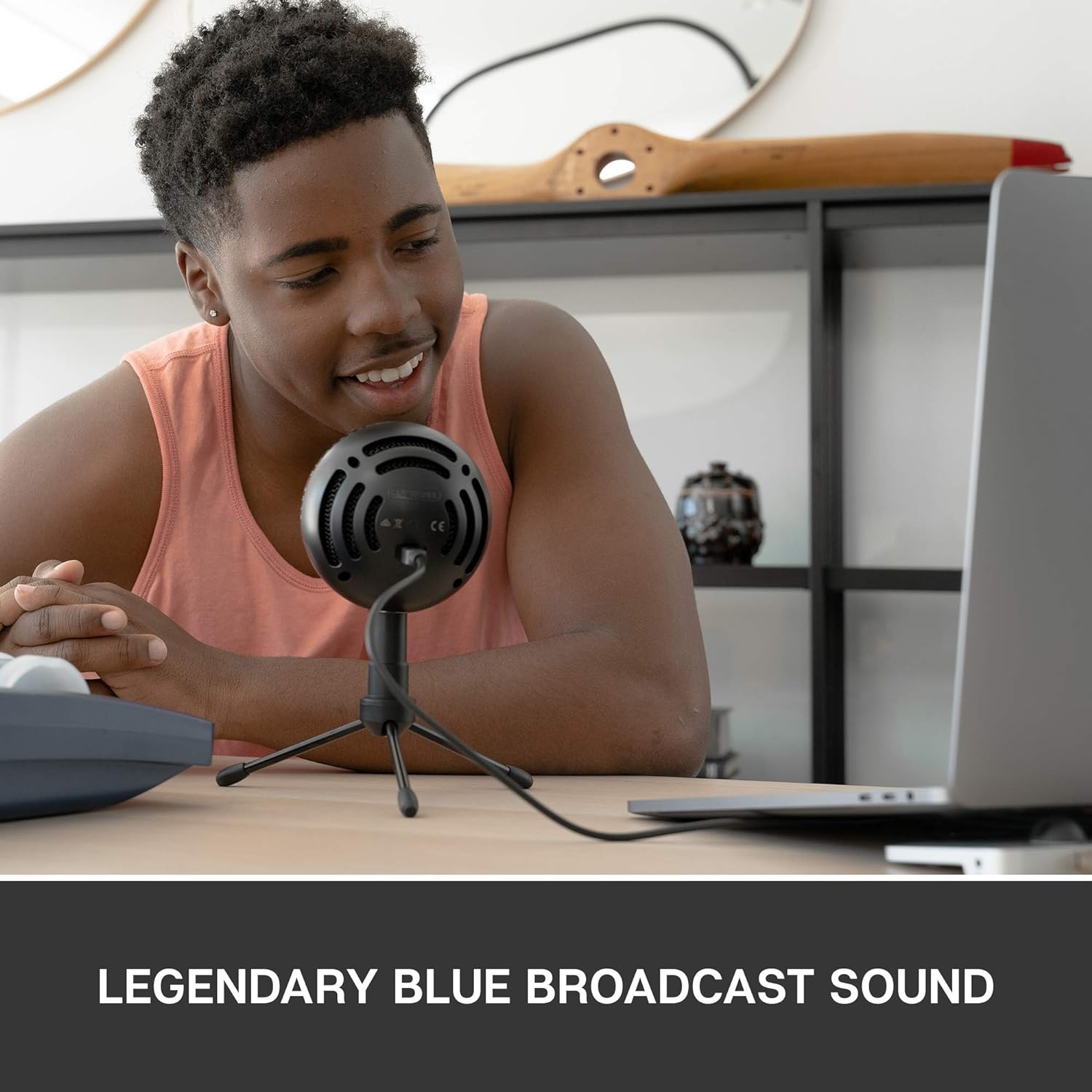
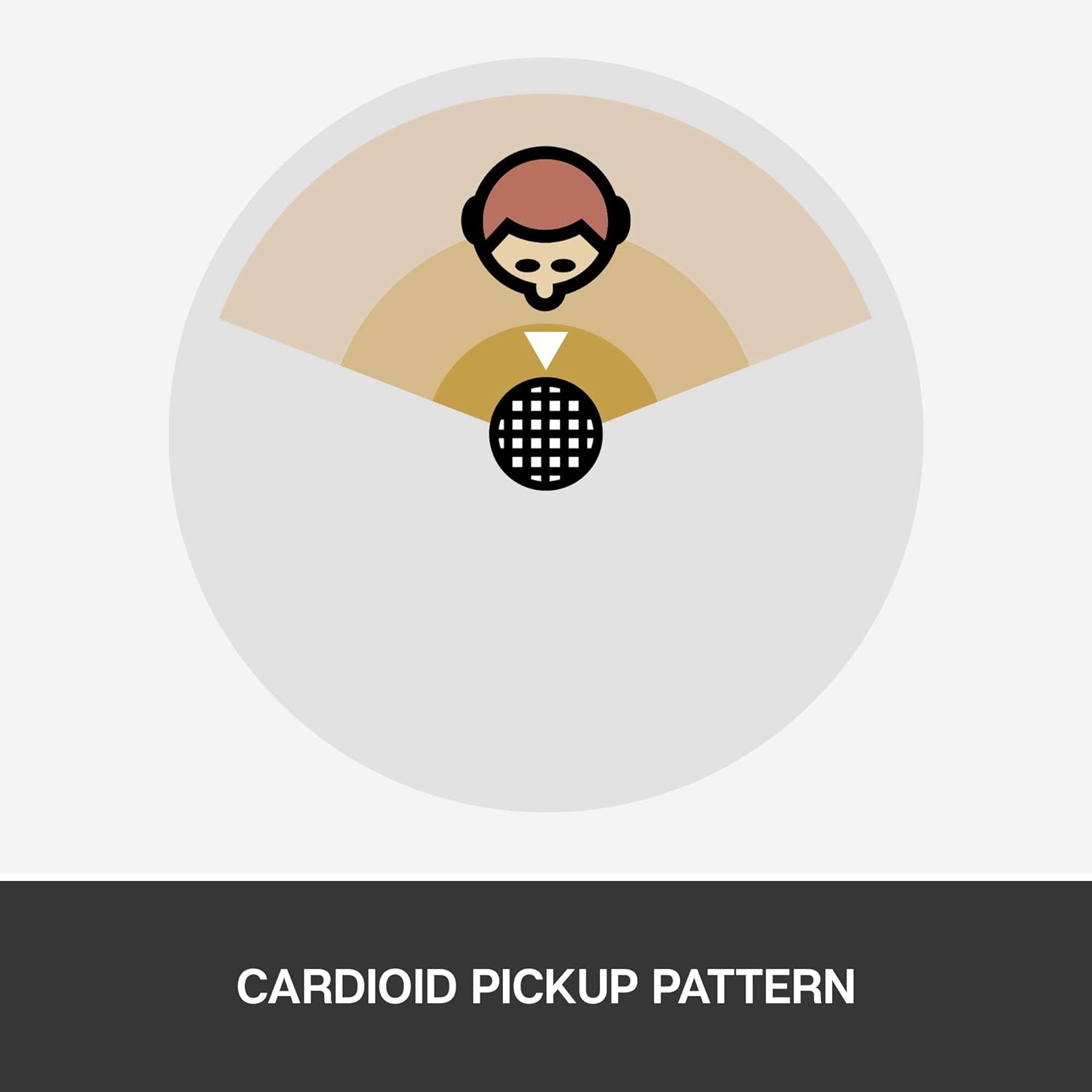
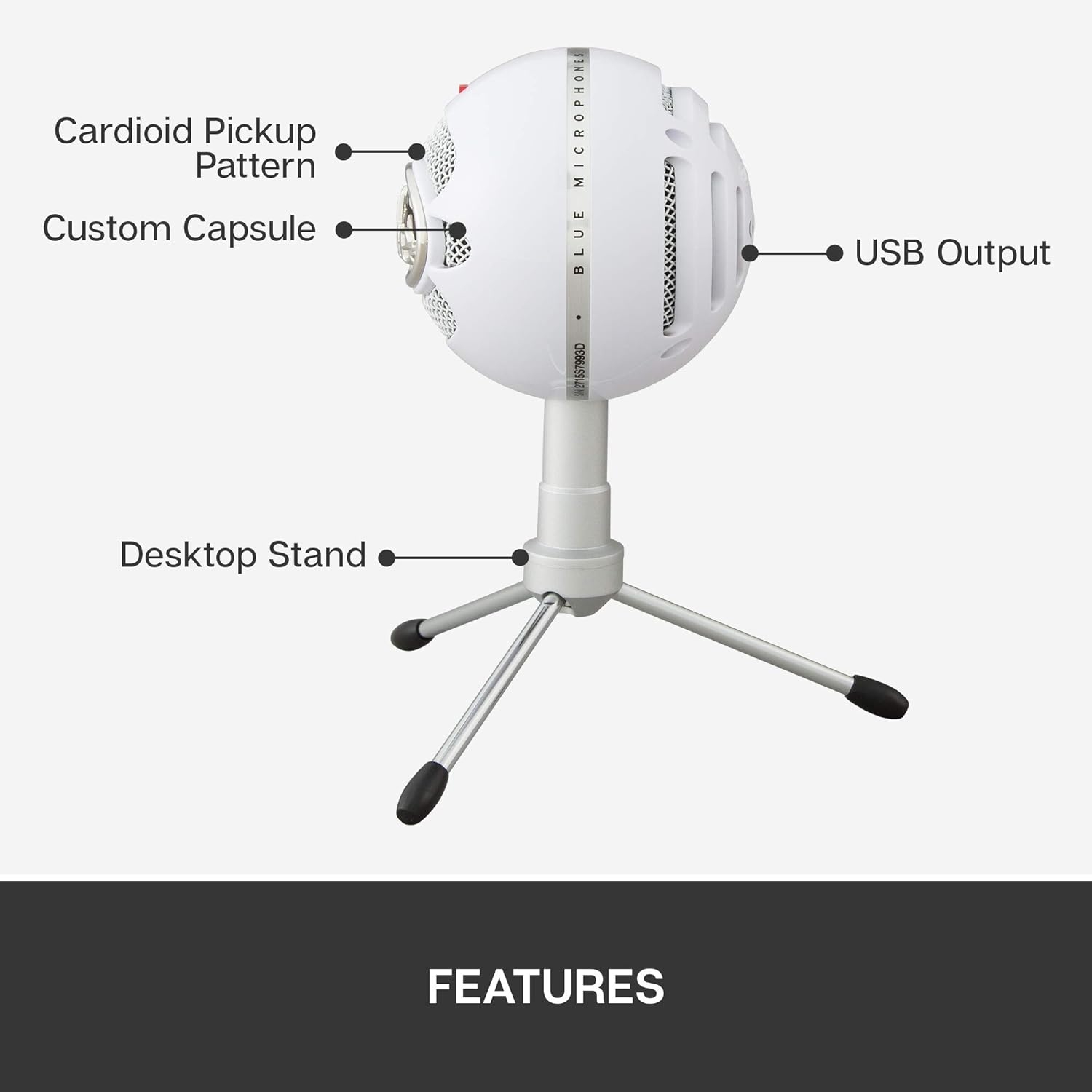
I like the logic of a unidirectional pattern for this kind of microphone. If you are speaking from one position toward the front of the mic, that pattern makes more sense than an all-around pickup design. It is the right basic direction for video calls, narration, streaming, online lessons, voice chat, and simple podcast-style recording from a computer desk.
I would not treat “unidirectional” as a magic room-fixer, though. It does not mean the microphone ignores everything else in the space. Placement still matters, and a desk mic that is too far away, too low, or pointed poorly will not make the most of its front-focused design. If I were buying at this level, I would plan the desk position before ordering, not just assume the stand solves everything.
Why the included stand matters
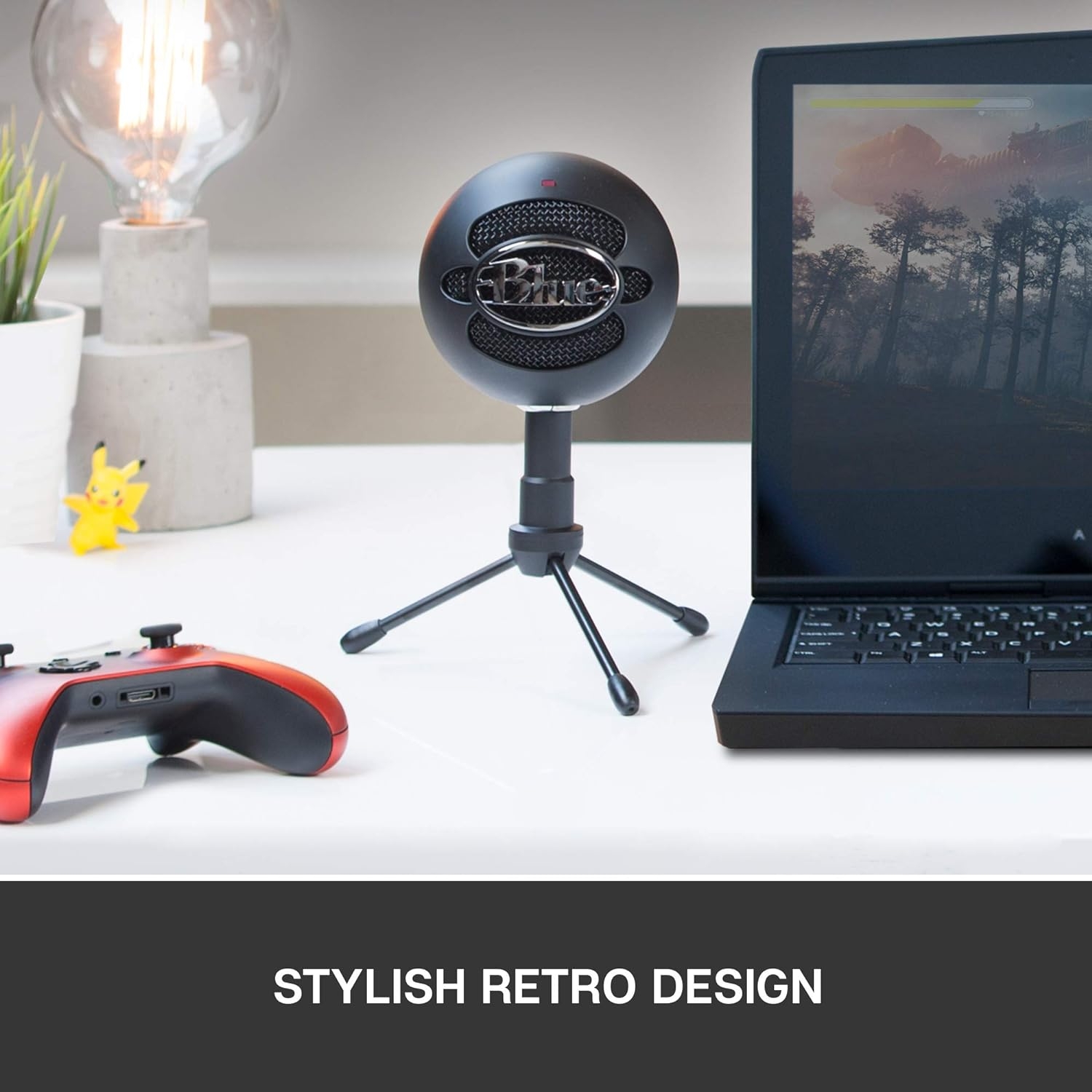
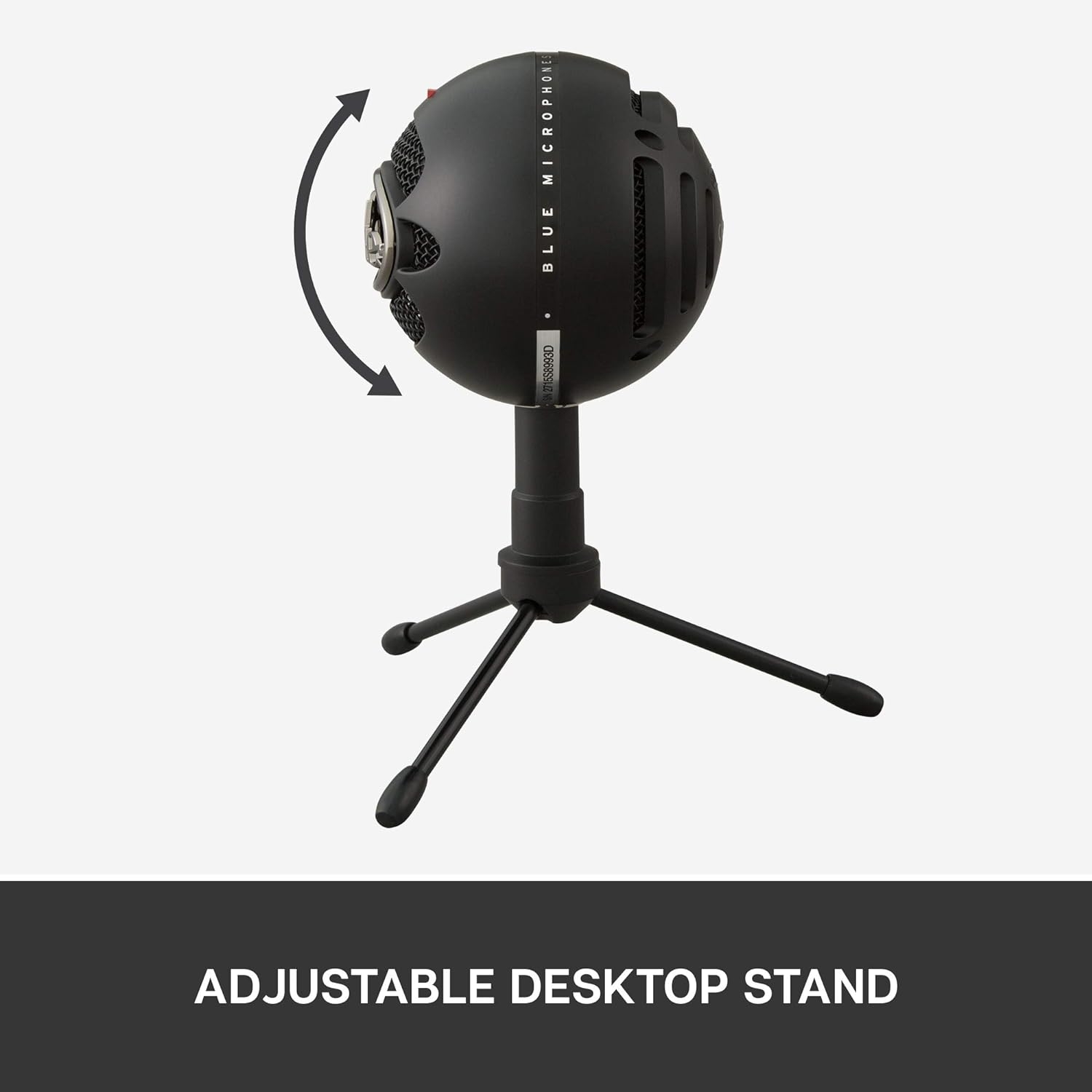
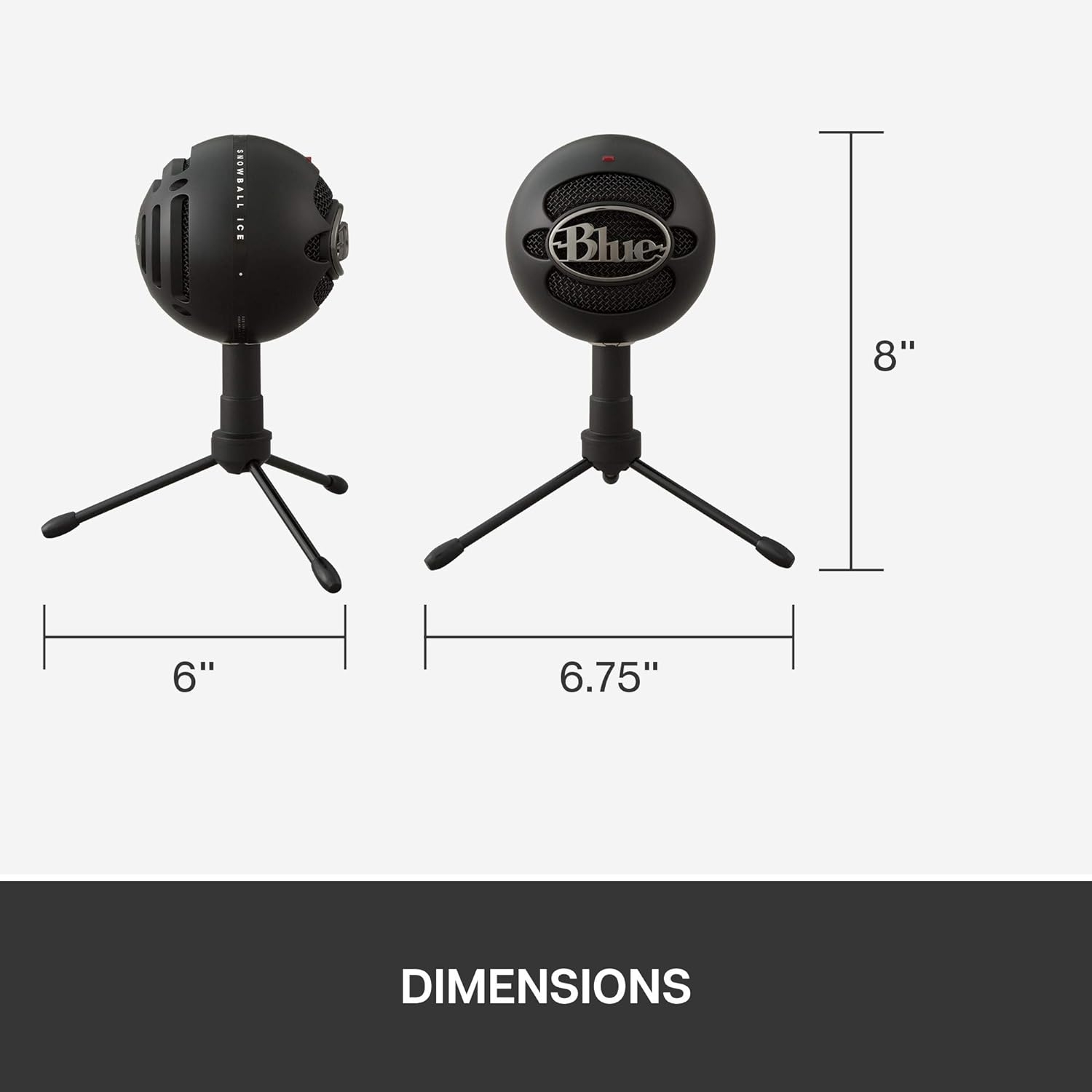
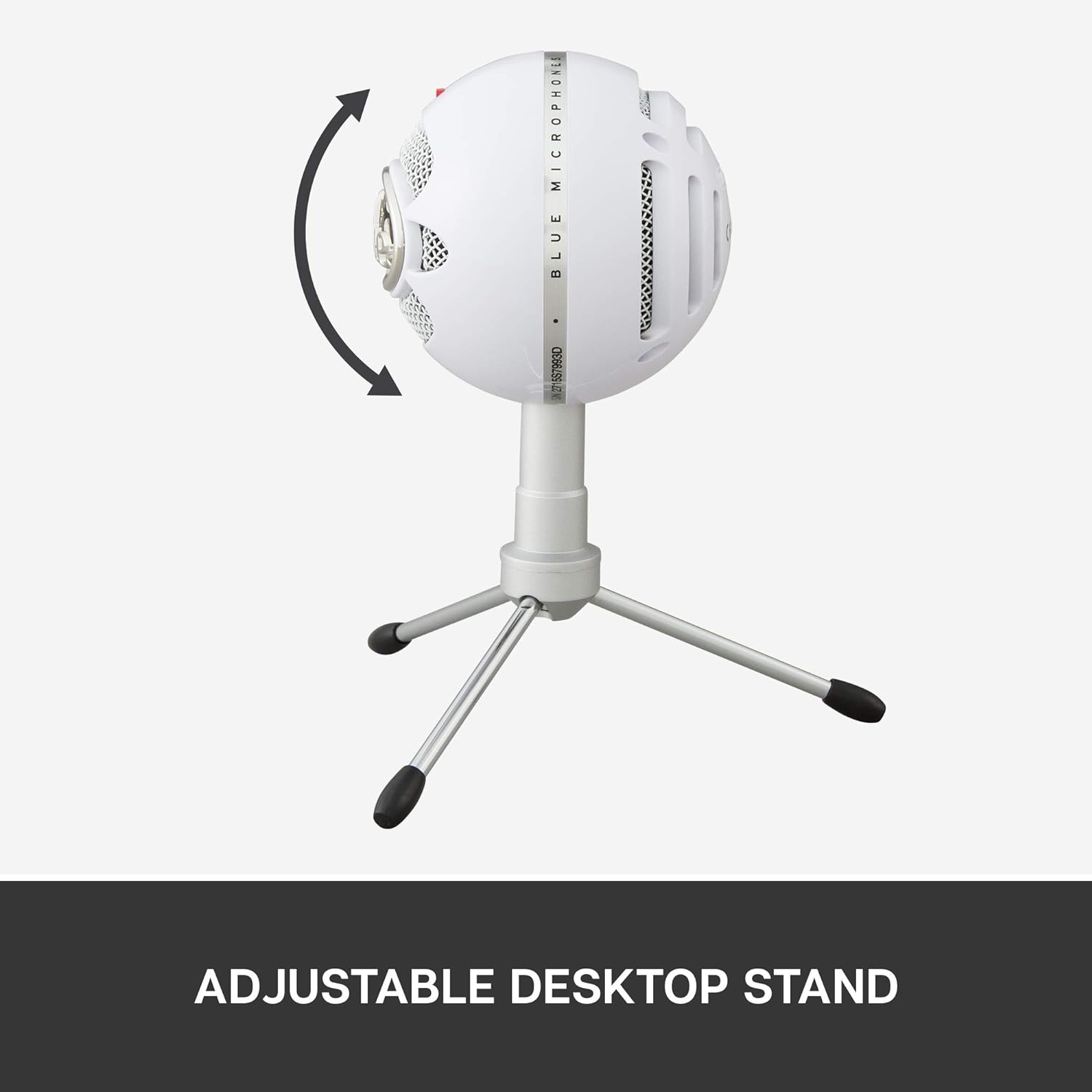
The included adjustable stand is a practical part of the package. It means the Snowball iCE can sit on a desk without a separate boom arm or mounting setup from day one. With listed dimensions of 10.6 x 5.5 x 9.1 inches and a 1-pound item weight, this is clearly a visible desktop microphone rather than something tiny or wearable.
- Best match: one person speaking into a computer for calls, streaming, voiceover, lessons, or entry-level podcast work.
- Connection: USB, with compatible devices listed as personal computer.
- Included gear: Snowball iCE USB mic, adjustable stand, USB cable, and user guide.
- Recorded audio specs: unidirectional pattern, 40 Hz to 18 kHz frequency range, 78 dB signal-to-noise ratio, and one channel.
Who I think should skip it
I would skip this if I were building around XLR hardware, a mixer, a multi-mic interface, or outboard vocal processing. USB is the whole point here, and that convenience also sets the ceiling. This is not the flexible hub of a growing studio-style setup.
I would also avoid it for a group around one table. A single unidirectional desktop mic is built around one main speaking position, not several voices spread across a room. If you need handheld use, mobile-device flexibility, or multi-person capture, I would look at a different microphone type.
Verdict: I see the Logitech for Creators BlueSnowball iCE as a sensible plug-and-go PC microphone for solo creators and callers who want a dedicated desktop mic with minimal fuss. I would choose it for simplicity, not for expandability.
Reviews
There are no reviews yet.