

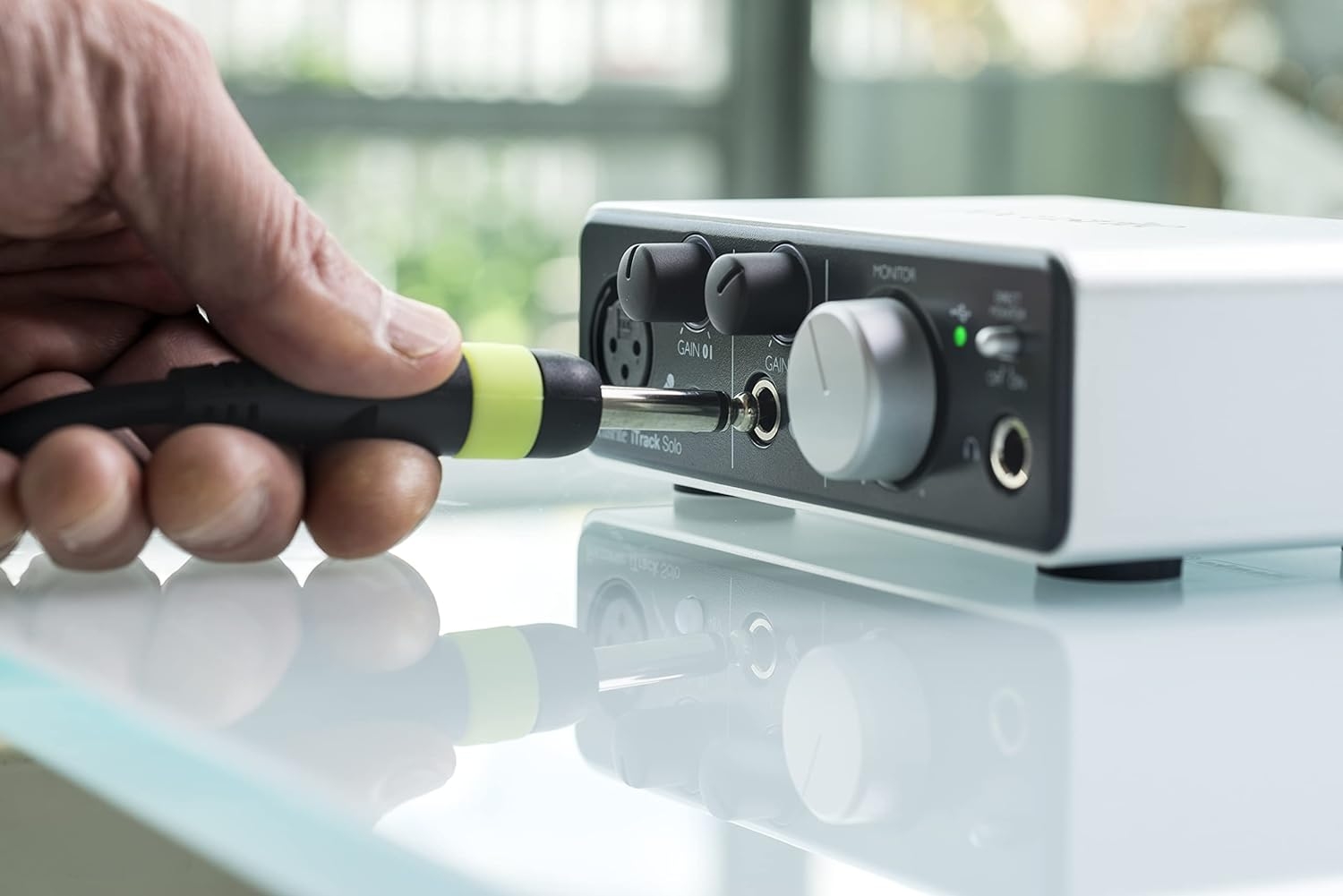

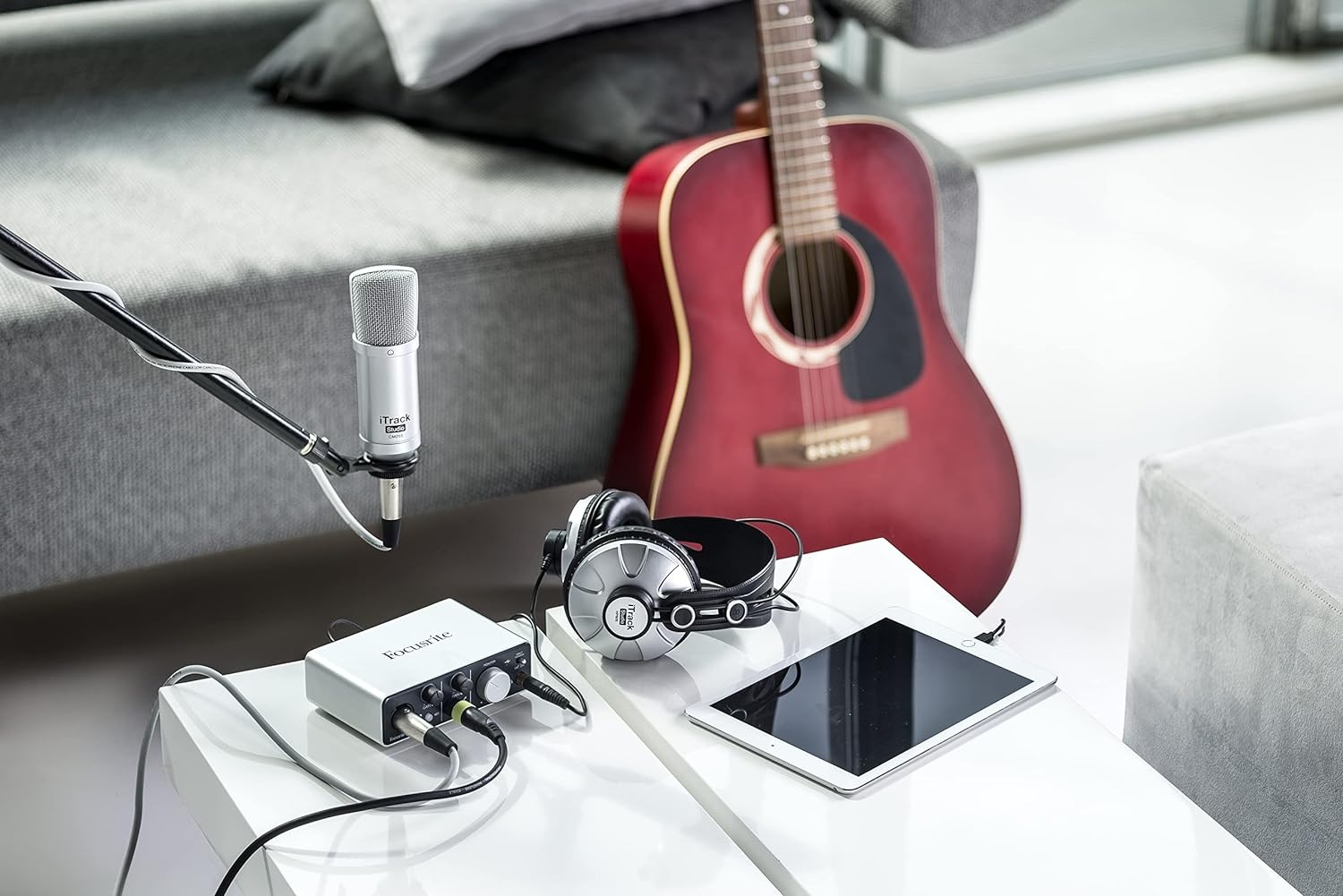

My read of the Focusrite iTrack Solo Lightning is that it is meant to keep a recording desk small and simple. At 1.23 pounds and 6.69 x 0.89 x 3.86 inches, it is the kind of interface I would consider for a student station, a compact home setup, or a classroom cart where space is already being shared with a computer, headphones, and notebooks. The basic job is straightforward: get audio into recording software without turning the desk into a studio rack.
A small Focusrite box for Mac OS X recording
The recorded support points to a Mac OS X workflow, with Personal Computer listed as the compatible device type and USB as the hardware interface. If I were building a simple Mac-based recording corner, that combination would make sense: compact hardware, a familiar computer-based setup, and enough direction for someone learning the signal path from source to software.
I would not treat this as a do-everything studio centerpiece. I would treat it as an entry point for focused work: voice projects, basic music production, practice recordings, demos, and education use. For schools, that matters. Students do not need a complicated rack to understand the recording chain; they need a manageable interface, a computer, and software they can actually start using.
The software bundle gives beginners somewhere to start
The supported software list is one of the stronger parts of the package: Ableton Live Lite, Scarlett Plug-In Suite, and Novation Bass Station Plug-In. I like that on paper because it gives a beginner more than just a hardware box. Ableton Live Lite provides a place to record and arrange, the Scarlett Plug-In Suite covers basic processing, and the Novation Bass Station Plug-In points toward electronic music ideas.
If I were recommending this for a media lab or a first home setup, I would still make sure the buyer understands what is not included in the spec sheet. You still need the right supporting gear and a quiet enough space to make useful recordings. Software and a small interface can help, but they do not solve the entire recording setup on their own.
Who I would skip this for
I would skip the Focusrite iTrack Solo Lightning for anyone planning a larger multi-person recording setup. If the goal is to capture several performers at once, I would look at a bigger interface instead of trying to stretch a compact unit beyond its natural role.
I would also pause before ordering if the intended system is not built around Mac OS X. The recorded operating system support matters, and I would confirm the computer and software workflow before making it the center of a setup.
Verdict: I see the Focusrite iTrack Solo Lightning as a compact USB Focusrite interface for Mac OS X users who want a small, education-friendly route into recording with Ableton Live Lite and bundled plug-ins.
Reviews
There are no reviews yet.