
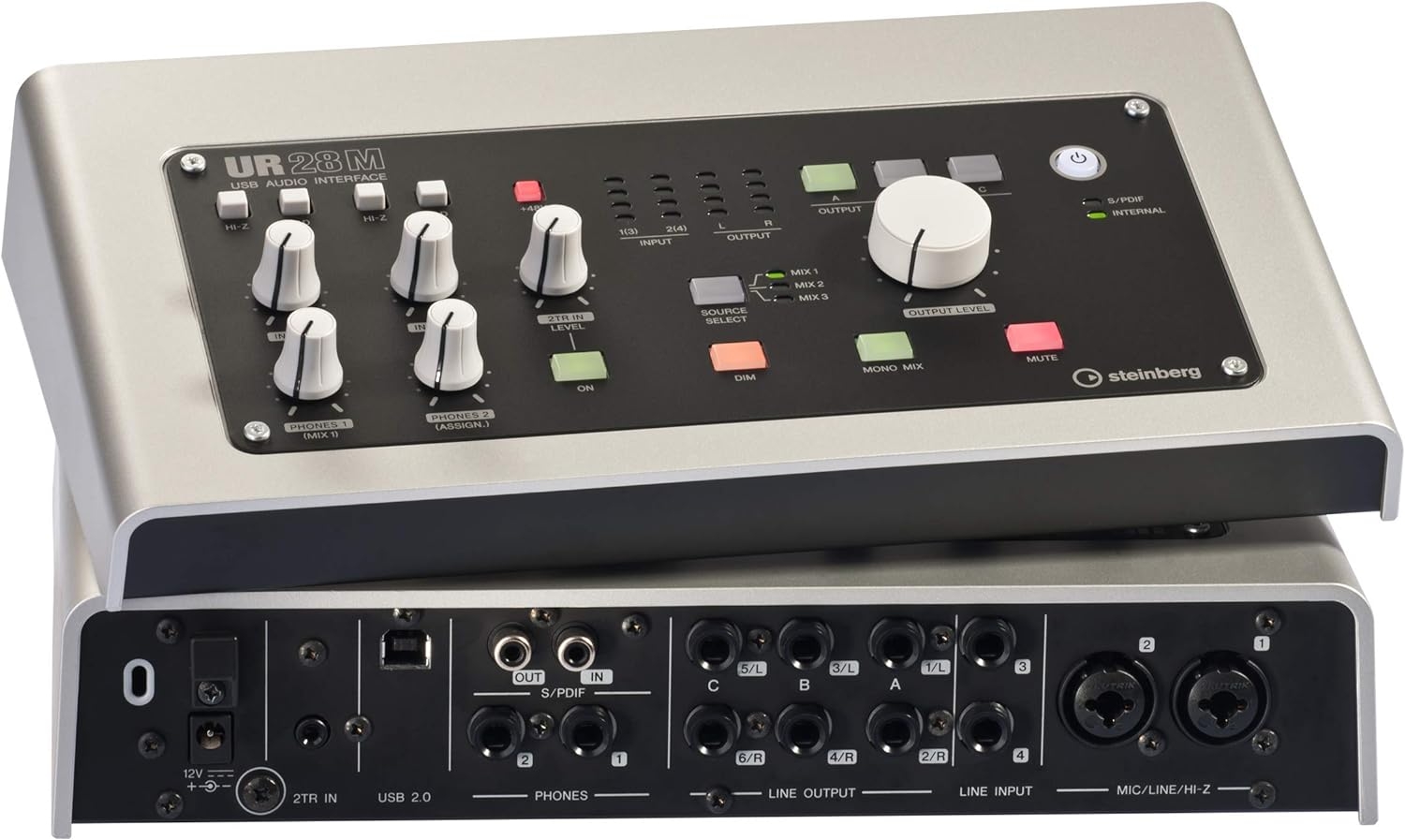
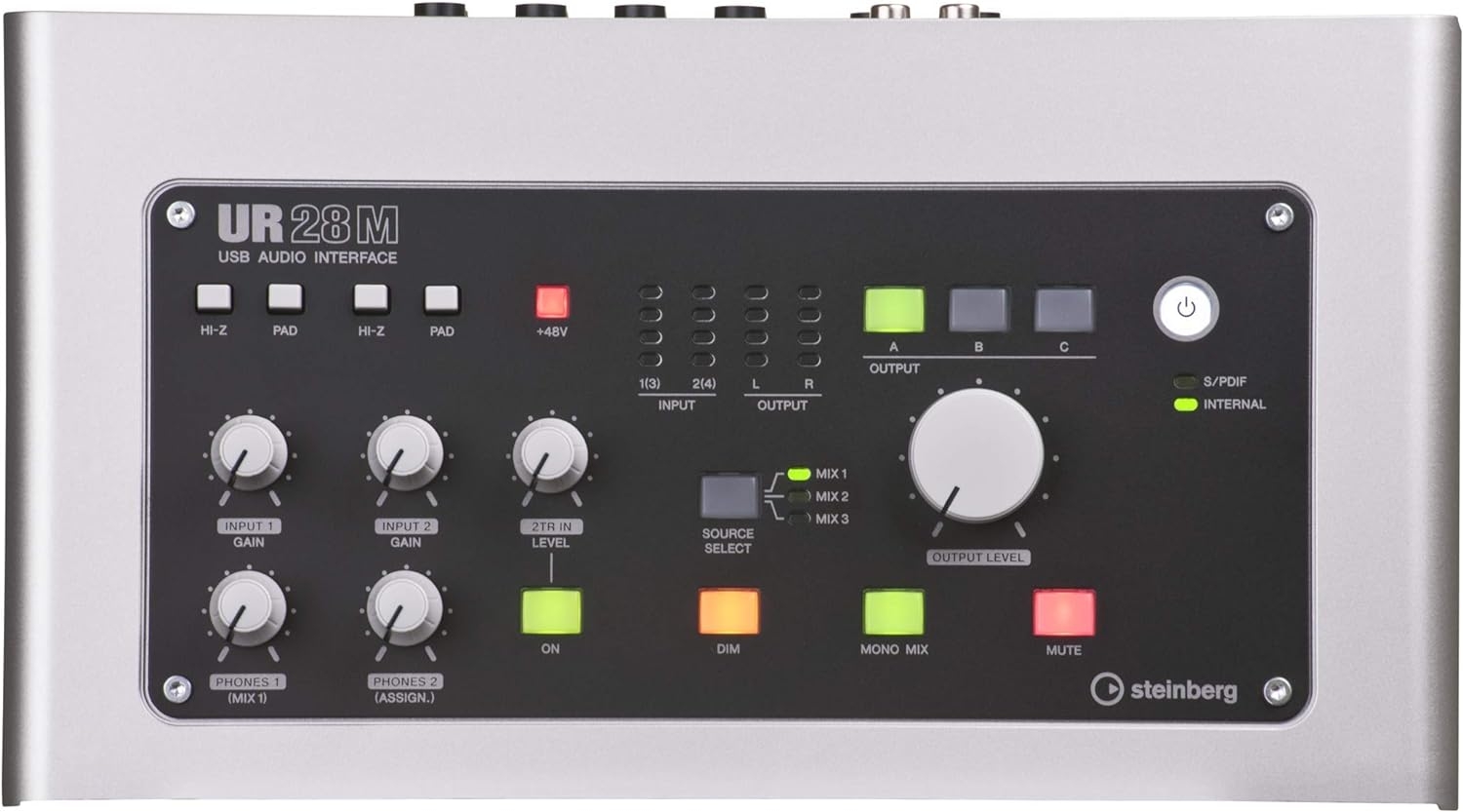

I’d treat the Steinberg UR44 as a serious desktop USB 2.0 audio interface rather than a pocket-sized recording accessory. From the listed facts, its job is clear: it sits between microphones, instruments, keyboards, controllers, and software, then routes that work into a computer or compatible mobile setup. The Cubase support also tells me this is not aimed at people who just want a basic voice-note box. My read is that Steinberg built the UR44 for musicians arranging, recording, and building sessions inside a DAW.
Why I’d Put the UR44 in a Cubase-Focused Desk Setup
If I were building around Windows and Cubase, the UR44 would make more sense to me than it would in a random, app-hopping setup. USB 2.0 is older, but I don’t automatically see that as a deal-breaker for this category. For a fixed home-recording desk, it is still a practical connection type: common, easy to understand, and suited to a straightforward interface-to-computer workflow when the rest of the system is planned properly.
The compatible-device list is also telling. Keyboards and controllers point toward music production rather than simple capture, while iPad and mobile-phone compatibility suggest some flexibility beyond a standard desktop. I’d still think of the UR44 first as a main interface for a writing space, not as the smallest mobile rig I could throw in a backpack.
The 48-volt listing matters if you plan to use condenser microphones, since 48V is commonly associated with phantom power. If your setup is based around dynamic microphones only, that may not be a deciding factor. But for vocals, acoustic instruments, or spoken-word recording with condenser mics, I’d want that capability on the checklist.
The Size and Chassis Tell Me This Is Not a Tiny Travel Box
At 4.85 pounds and 8.11 x 15 x 4.13 inches, the Steinberg UR44 is compact by studio standards but not tiny. I’d be happy seeing this as a permanent desktop piece, especially with its silver finish giving it more of a studio-appliance look. I would not buy it expecting the feel of a minimal phone-sized interface.
That is the main limitation for me. Yes, the compatibility list includes iPad and mobile phones, but the size, USB 2.0 connection, and 48V requirement mean I’d think carefully about adapters, cabling, desk space, and power before ordering. This looks more like a transportable interface than a truly lightweight mobile solution.
Who I Think Should Buy or Skip the Steinberg UR44
- Good match: Windows users who want a Cubase-friendly USB 2.0 interface for a home studio built around keyboards, controllers, microphones, and instruments.
- Also sensible for: musicians who prefer one substantial desktop interface over the smallest possible portable unit.
- I’d check before buying: your software plan, cabling needs, mobile-device adapters, and whether the physical size fits your workspace.
- I’d skip it if: maximum portability is the priority, you specifically want a newer connection type, or your workflow is centered on software other than Cubase.
Reviews
There are no reviews yet.