
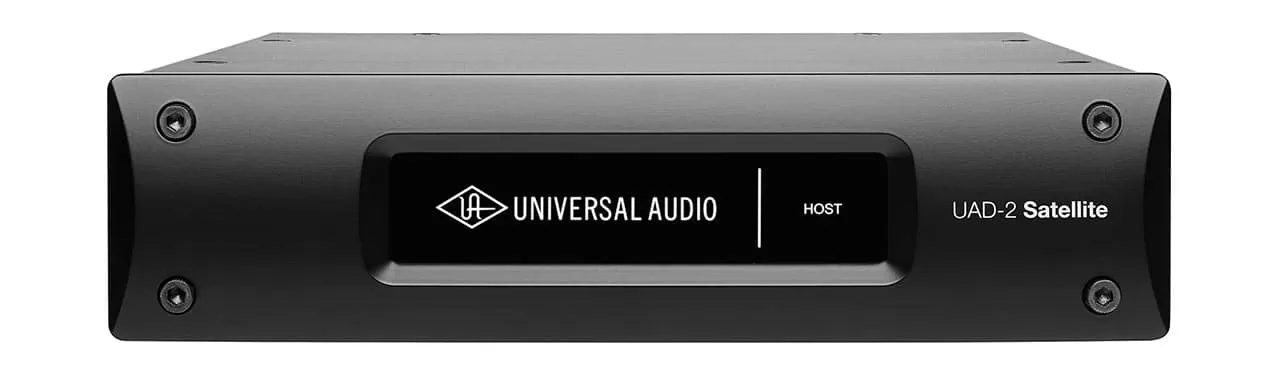

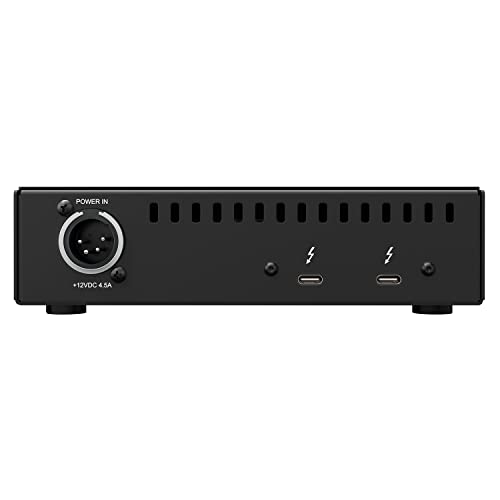

The UAD-2 Satellite Thunderbolt Quad Core is the kind of box I’d look at only after the rest of a studio is already sorted. My read of it is simple: this is not a front end for microphones, not a monitor controller, and not a normal audio interface. It is an external desktop processing unit built to sit beside a computer-based rig and provide dedicated processing over Thunderbolt 3.
The recorded details back that up. This is model TB3SATQ-C, it measures 9 x 9 x 6 inches, and it weighs 5.01 pounds. So I would treat it as a compact studio expansion box, not something I’d casually throw into a laptop bag with cables and headphones.
How I’d think about the Thunderbolt 3 setup
This Satellite uses a Thunderbolt hardware interface and the Thunderbolt 3 digital audio protocol. That makes computer compatibility the first thing I’d check before ordering. It supports Mac & Windows, but I would still want to confirm the exact Thunderbolt situation on the computer side before building a plan around it.
I’d pair this with an existing recording or mixing setup, not buy it as the center of a new beginner rig. You would still need an audio interface for microphones, instruments, headphones, and studio monitors. The Satellite’s role is processing support; it does not solve input and output needs.
What the Quad Core part tells me
The “Quad Core” name tells me this is aimed at users who want dedicated onboard processing for a compatible plug-in workflow. If I were mixing sessions that lean heavily on that kind of system, I’d understand the appeal: let the computer run the DAW, let the interface handle audio I/O, and let the Satellite contribute extra processing resources.
At 5.01 pounds, I’d call it portable in the careful sense, not travel-friendly in the casual sense. It could make sense on a desk, shelf, or mobile editing station, but I would pack it deliberately. Since it first became available on September 17, 2019, I’d also view it as a mature expansion piece rather than a novelty purchase.
Who I think should skip the TB3SATQ-C
- Beginners who need inputs: I would buy an audio interface first, because this does not provide mic preamps or regular studio I/O.
- Non-Thunderbolt users: without the right Thunderbolt connection, this is the wrong tool.
- Simple podcast or voiceover setups: I’d keep the rig simpler unless dedicated DSP is clearly needed.
- Purely native workflows: if you do not want a DSP-based plug-in setup, the main reason to buy this fades quickly.
Reviews
There are no reviews yet.